165
ADOBE FRAMEMAKER 7.0
Classroom in a Book
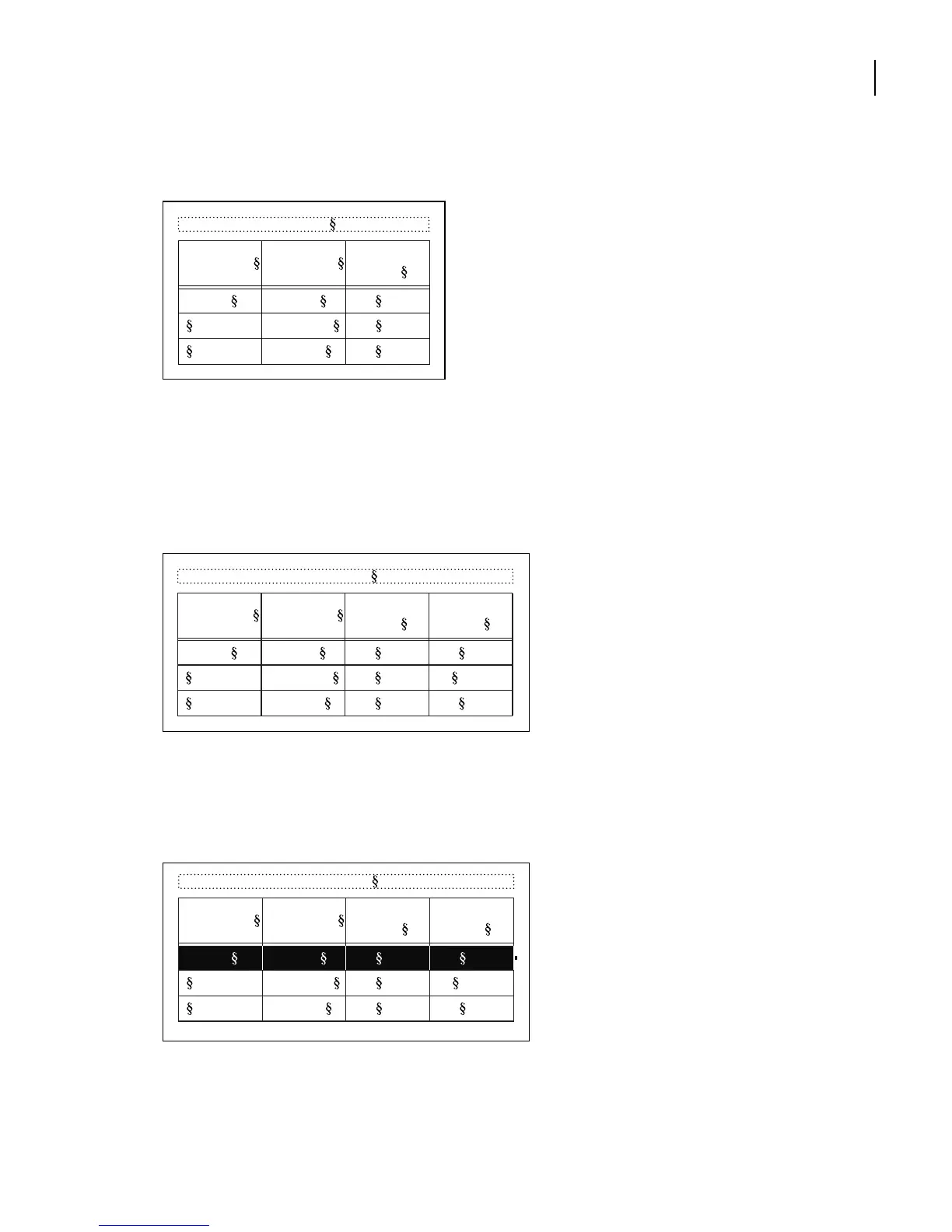
The column of cells has been removed from the table.
Note:
If the screen display needs redrawing, press Control+l (lowercase L).
4
Click anywhere in the last column of the table.
5
Choose Edit > Paste.
6
Select Insert Right of Current Columns and click Paste.
Third column is pasted to the right.
Now you’ll move the row containing art book information.
7
To select the entire Art book row, drag from the first cell in the row to the last.
8
Choose Edit > Cut.
Table 1:
Image Size Publication
Resolution
(ppi)
5 x 5 in. Art book 350
Newspaper 160
Magazine 266
Table 1:
Image Size Publication
Resolution
(ppi)
Line Screen
(lpi)
5 x 5 in. Art book 350 175
Newspaper 160 80
Magazine 266 133
Table 1:
Image Size Publication
Resolution
(ppi)
Line Screen
(lpi)
5 x 5 in. Art book 350 175
Newspaper 160 80
Magazine 266 133



 To Next Page