LESSON 7
166
Tables
9
In the Cut Table Cells dialog box, select Remove Cells from Table and click Cut.
10
Click anywhere in the bottom row.
11
Choose Edit > Paste.
12
Select Insert Below Current Rows and click Paste. The Art book row is now at the
bottom of the table.
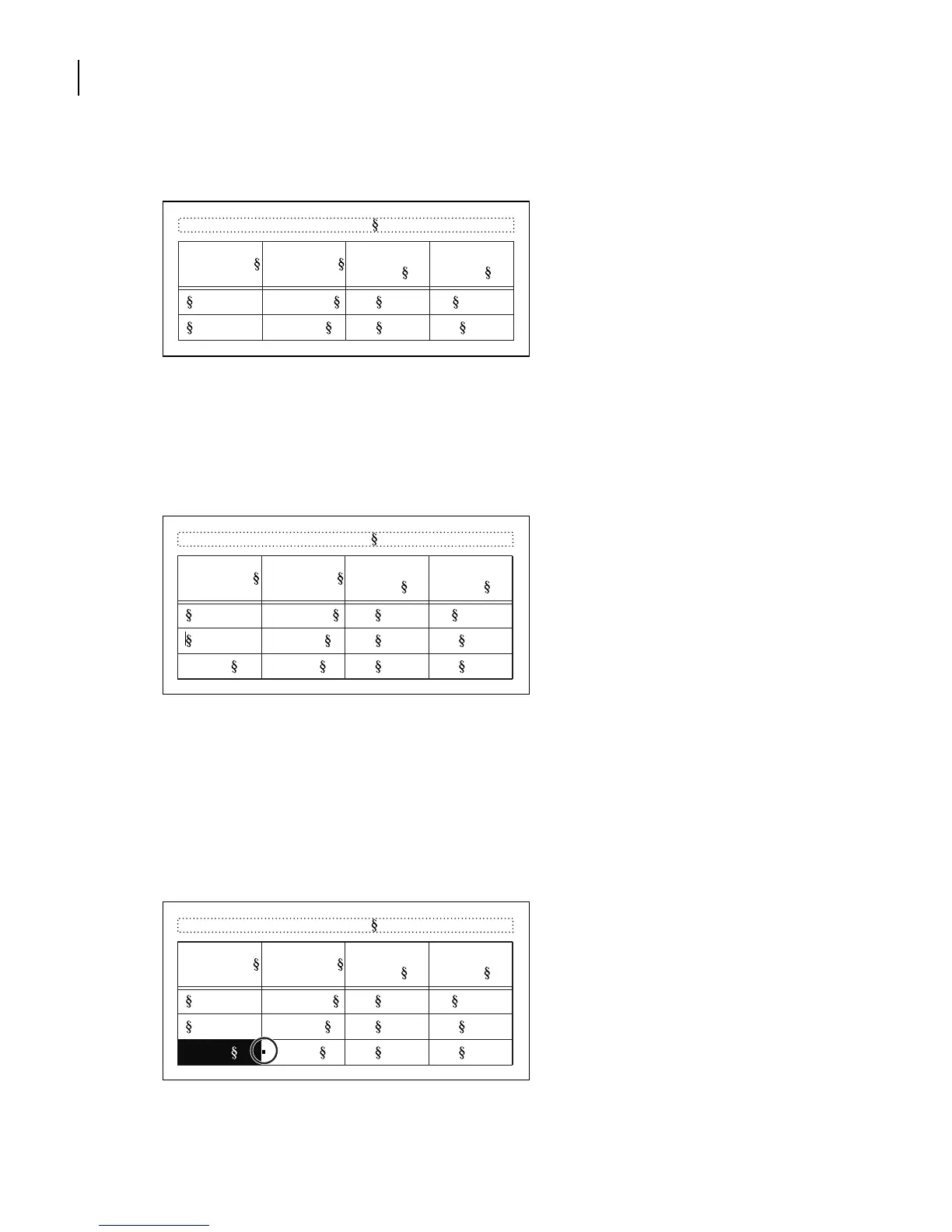
First row is pasted at bottom.
Finally, you’ll move the Image Size information to the first row.
13
Drag from inside the cell that contains the text
5 x 5 in.
through the border of the next
cell, and then back again to select just the one cell. The cell is selected once its entire interior
is highlighted, rather than just its contents, and a selection handle appears at the right side
of the cell. Uncheck View > Borders if the cell selection handle is covered by them.
Entire cell is selected, displaying a selection handle (circled).
Table 1:
Image Size Publication
Resolution
(ppi)
Line Screen
(lpi)
Newspaper 160 80
Magazine 266 133
Table 1:
Image Size Publication
Resolution
(ppi)
Line Screen
(lpi)
5 x 5 in. Art book 350 175
Newspaper 160 80
Magazine 266 133
Table 1:
Image Size Publication
Resolution
(ppi)
Line Screen
(lpi)
5 x 5 in. Art book 350 175
Newspaper 160 80
Magazine 266 133



 To Next Page