LESSON 7
170
Tables
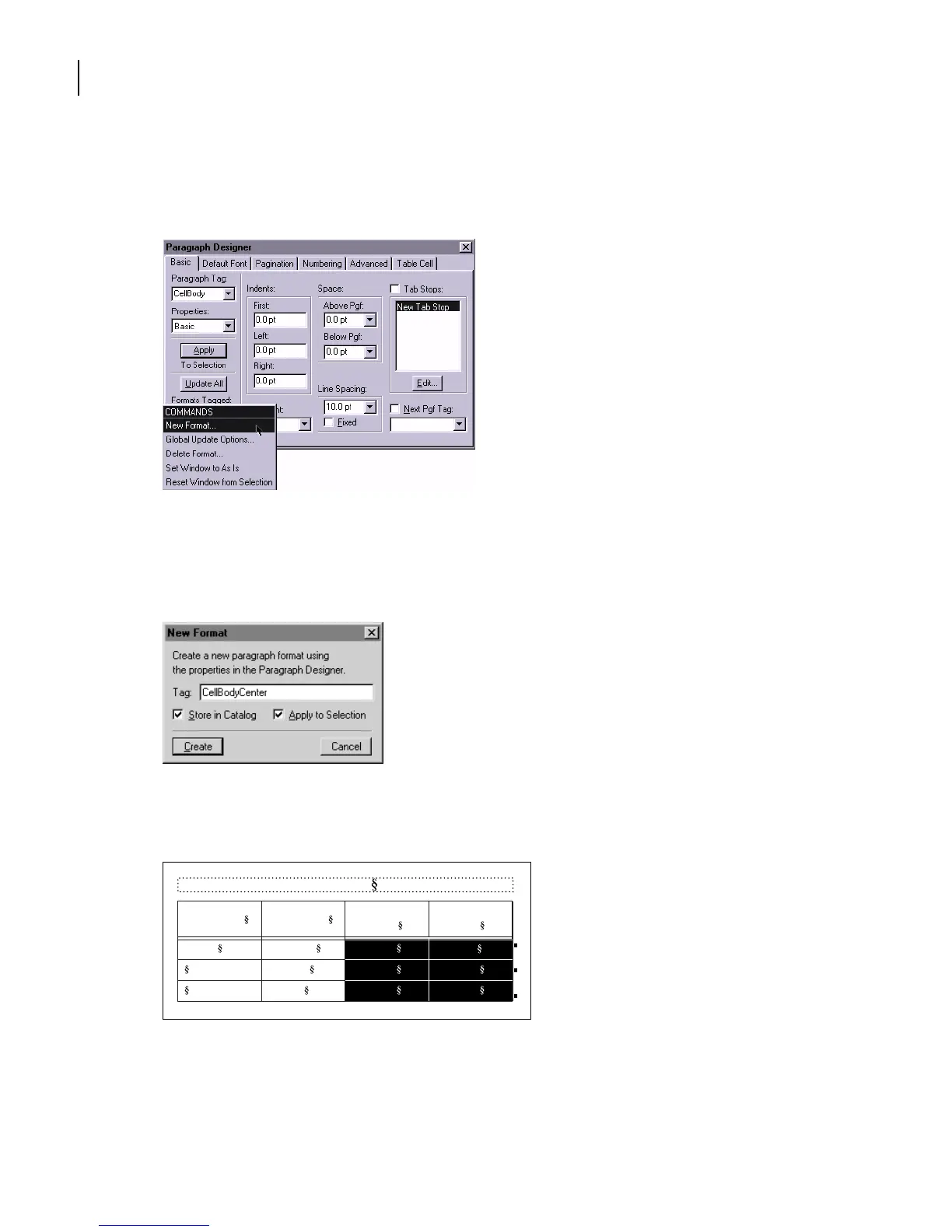
The text in these cells is centered. Now you’ll store this style as a new format.
11 Choose New Format from the Commands pop-up menu.
12 Enter CellBodyCenter in the Tag text box.
13 Make sure that both options, Store in Catalog and Apply to Selection, are selected
and click Create.
The current paragraph’s tag changes to CellBodyCenter, and the CellBodyCenter format
is added to the Paragraph Catalog.
Cell contents are centered.
14 Close the Paragraph Designer.
Table 1:
Image Size Publication
Resolution
(ppi)
Line Screen
(lpi)
5 x 5 in. Newspaper
Magazine
Art book
160
266
350
80
133
175



 To Next Page