187
ADOBE FRAMEMAKER 7.0
Classroom in a Book
The data is stored as tab-delimited text. That is, each paragraph represents a row of the
table, and tabs separate the contents of one cell from another.
12
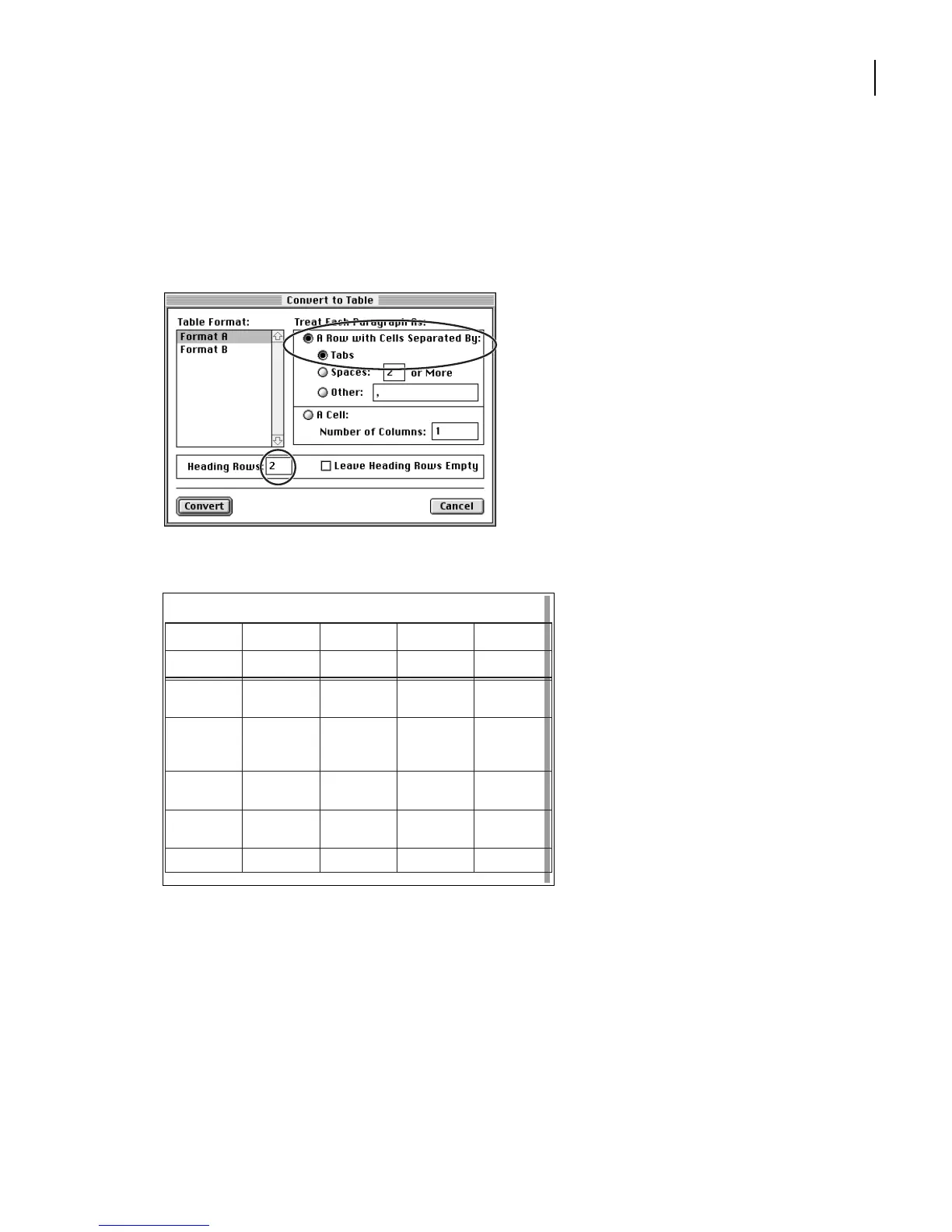
In the Treat Each Paragraph As area, make sure these options are selected: A Row with
Cells Separated By, and Tabs. Then enter
2
in the Heading Rows text box.
13
Click Convert. The imported information appears in a table.
The table extends beyond the right side of the text frame and onto page 3 of the annual
report. You’ll fix these problems later.
Not
e: In the next several steps, you’ll change the paragraph formats of table cells. This part of
the lesson extends the type of formatting you did in “Formatting text in table cells” in
Lesson 7, “Tables.”
Table 1:
Fiscal Year
2002 2001 2000 1999
Current
assets:
Cash &
cash equiva-
lents
203,461 146,992 89,557 72,429
Short-term
investments
157,700 90,853 55,650 47,005
Accounts
receivable
101,006 72,448 35,543 30,451
Inventories 49,349 30,557 20,512 15,627



 To Next Page