LESSON 9
214
Anchored Frames and Graphics
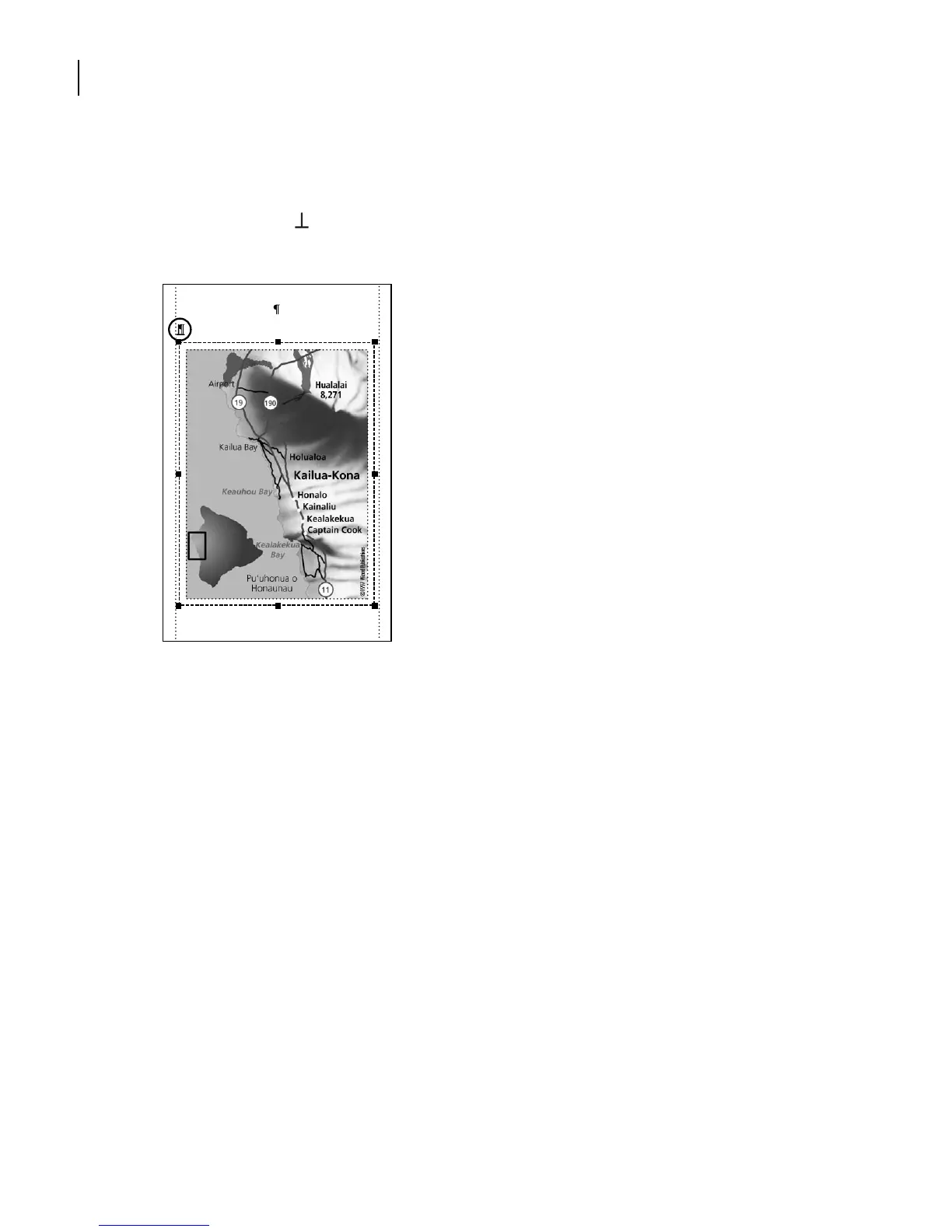
The imported graphic appears in an anchored frame below the empty paragraph.
Handles appear around the anchored frame to indicate that the frame is selected. Also, an
anchor symbol ( ) appears at the insertion point, although it’s hard to see here at the
beginning of the line. The text moves down to accommodate the graphic.
For the graphic to appear in the correct position, you’ll need to change the properties of
the anchored frame. First you’ll eliminate the white space between the anchored frame
and the graphic by resizing the anchored frame.
13
Display the Graphics menu to see whether Snap is on or off. If it’s on, as indicated by
a check mark or check box next to it, turn Snap off by selecting it.
from the
Kailua Pier keep an eye out for
some of these sights.
Kailua Bay is located in the heart of
Downtown. Usually pier areas have nasty



 To Next Page