255
ADOBE FRAMEMAKER 7.0
Classroom in a Book
Removing the separator line
Now you’ll remove the line that separates the body of the text from the footnotes. The
separator is specified on a special reference page, so you’ll change it there. (A reference
page is a nonprinting page containing unanchored graphic frames. The contents of the
graphic frames can be used by paragraph formats and footnotes.)
1 If necessary, choose View > Borders to turn on borders.
2 Choose View > Reference Pages.
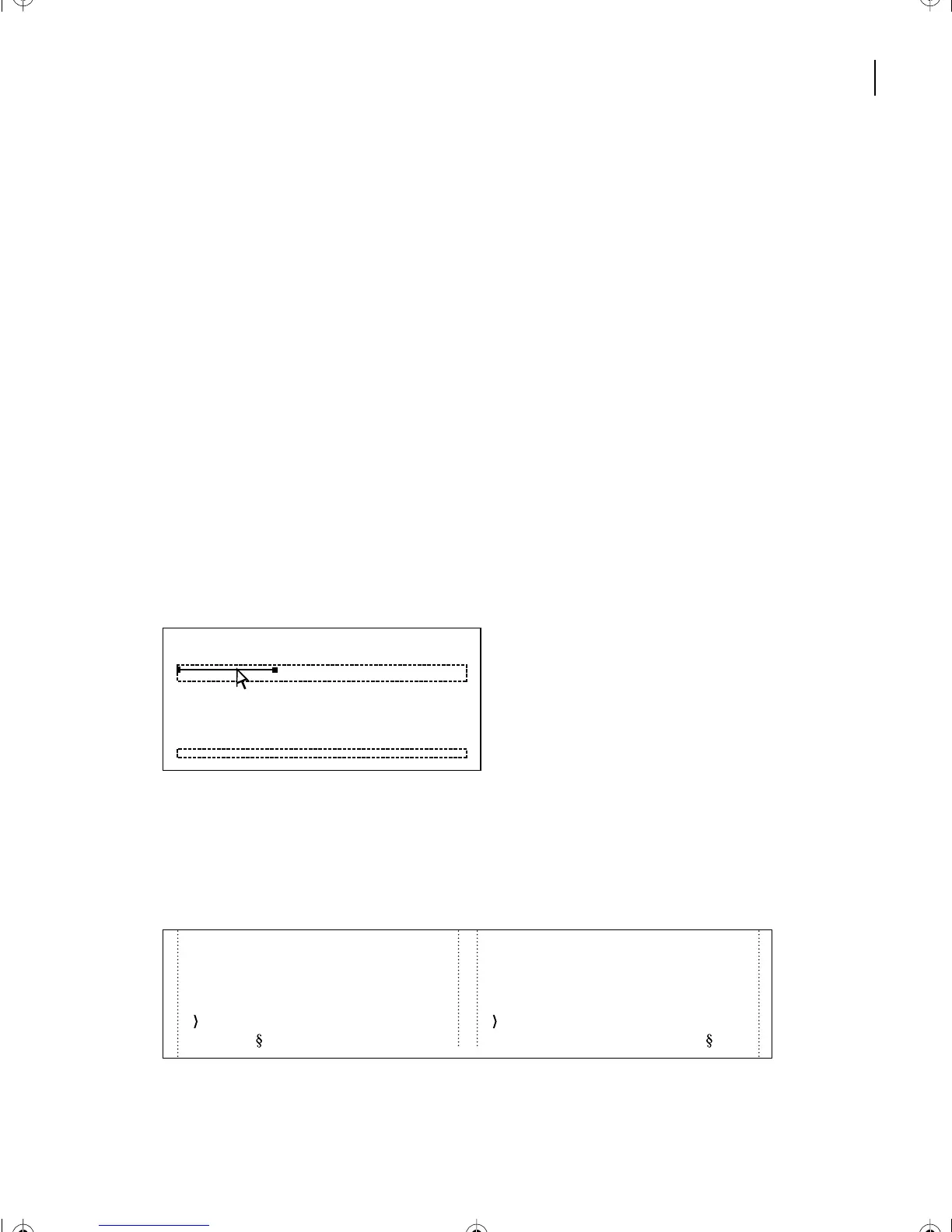
The reference page contains several reference frames. The first one contains the footnote
separator line. When you insert the first footnote in a column, FrameMaker 7.0 uses this
reference frame to determine how much space to leave between the body text and the
footnote. If the reference frame contains a line, FrameMaker 7.0 displays that line within
the space.
3 Display the Graphics menu to see whether Snap is turned on. If it is, turn it off.
4 Click the line inside the Footnote frame to select the line (not the frame). You may want
to zoom in to 200% so that clicking the line inside the frame is easier.
5 Press Delete to remove the line, leaving just the empty frame. The empty frame will
define the space between the body text and the first footnote in the column.
6 Choose View > Body Pages to redisplay page 2. The separator line is now gone but the
space is still there.
Footnote
TableFootnote
After the 96-mile marker is a lava road
leading to the sea. It goes to Kaloko-
Honokohau National Historical Park.
times Kailua Town. Kailua-Kona is nes-
tled in the lee of Hualalai Volcano,
meaning that it is sheltered from the trade
* The lab gives free hour-long tours every
Thursday.
† Many of the great chiefs of old chose
this part of the island as their home.
L10.fm Page 255 Saturday, July 6, 2002 12:17 PM



 To Next Page