LESSON 16
416
Structured Documents
1
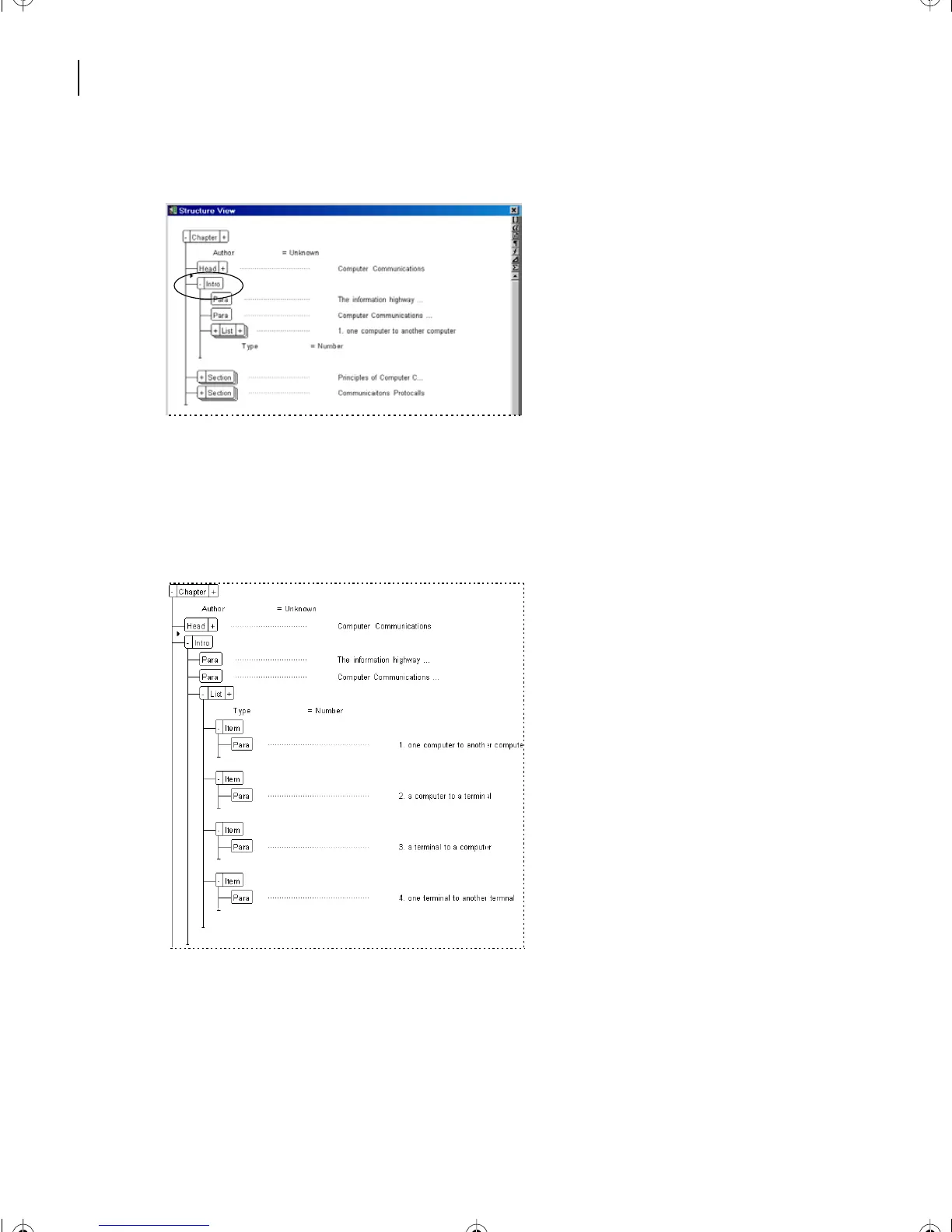
In Structure View, locate the Intro element at the beginning of the structure.
2
With the Intro element collapsed, click once on this element’s plus (+) symbol to
expand the view.
3
Inside the Intro element, locate the List element, and expand its view to show the four
Item elements within.
4
Press and hold the Shift key. Then click (or press the - symbol) on any of the four Item
elements.
L16.fm Page 416 Saturday, July 6, 2002 4:02 PM



 To Next Page