LESSON 3
76
Defining Colors and Character Formats
1
Go to page 2 and click in the first numbered paragraph.
2
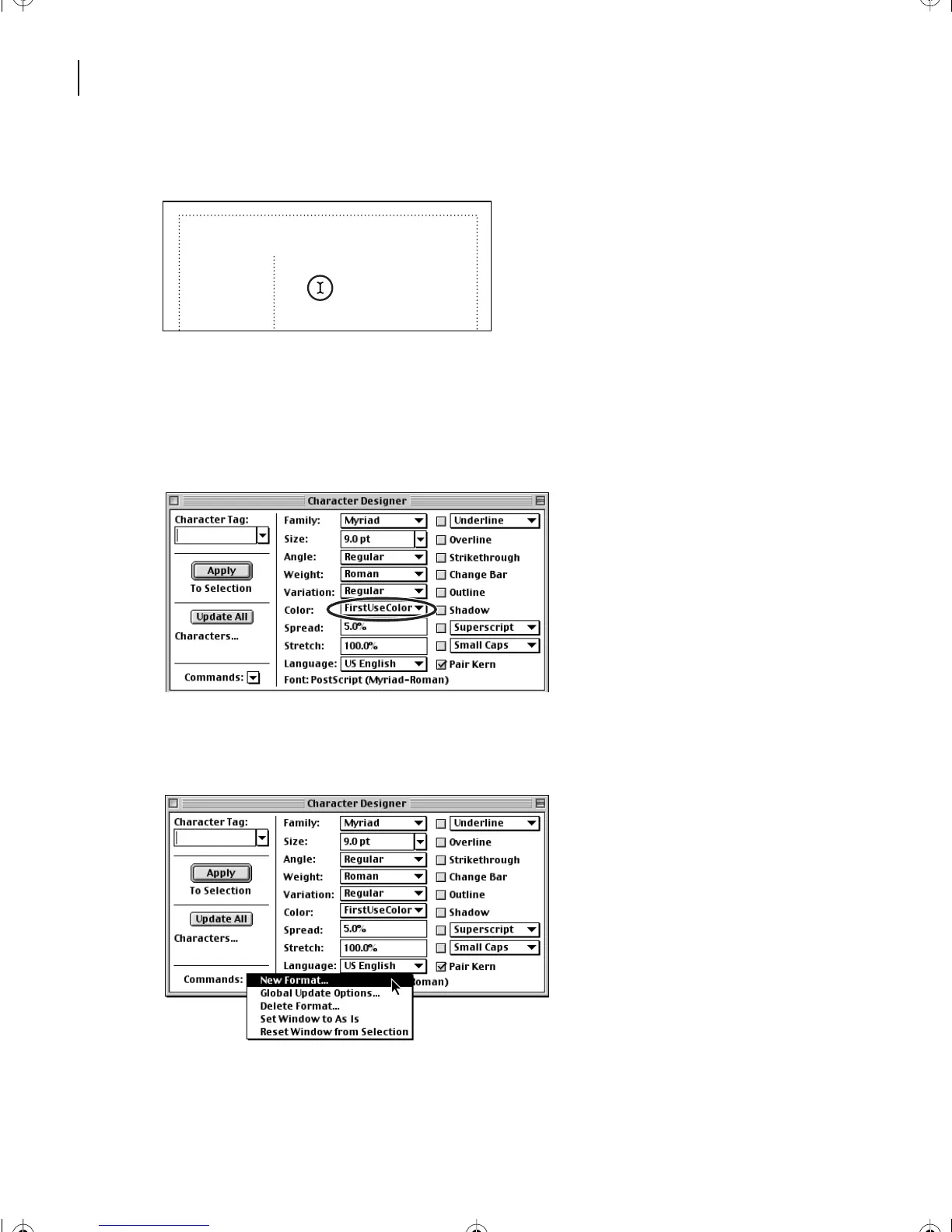
Choose Format > Characters > Designer to display the Character Designer. The
Character Designer works in the same way as the Paragraph Designer, but it contains only
one group of properties.
3
In the Character Designer, choose FirstUseColor from the Color pop-up menu.
4
At the bottom left of the Character Designer, choose New Format from the Commands
pop-up menu.
5
In the Tag text box, enter
Numbers
.
The publishing process
Successfully completing a commercially printed
publication requires several steps:
1 Planning and organizing
2 Design
3 Content development
L03.fm Page 76 Saturday, July 6, 2002 11:39 AM



 To Next Page