LESSON 4
102
Page Layout
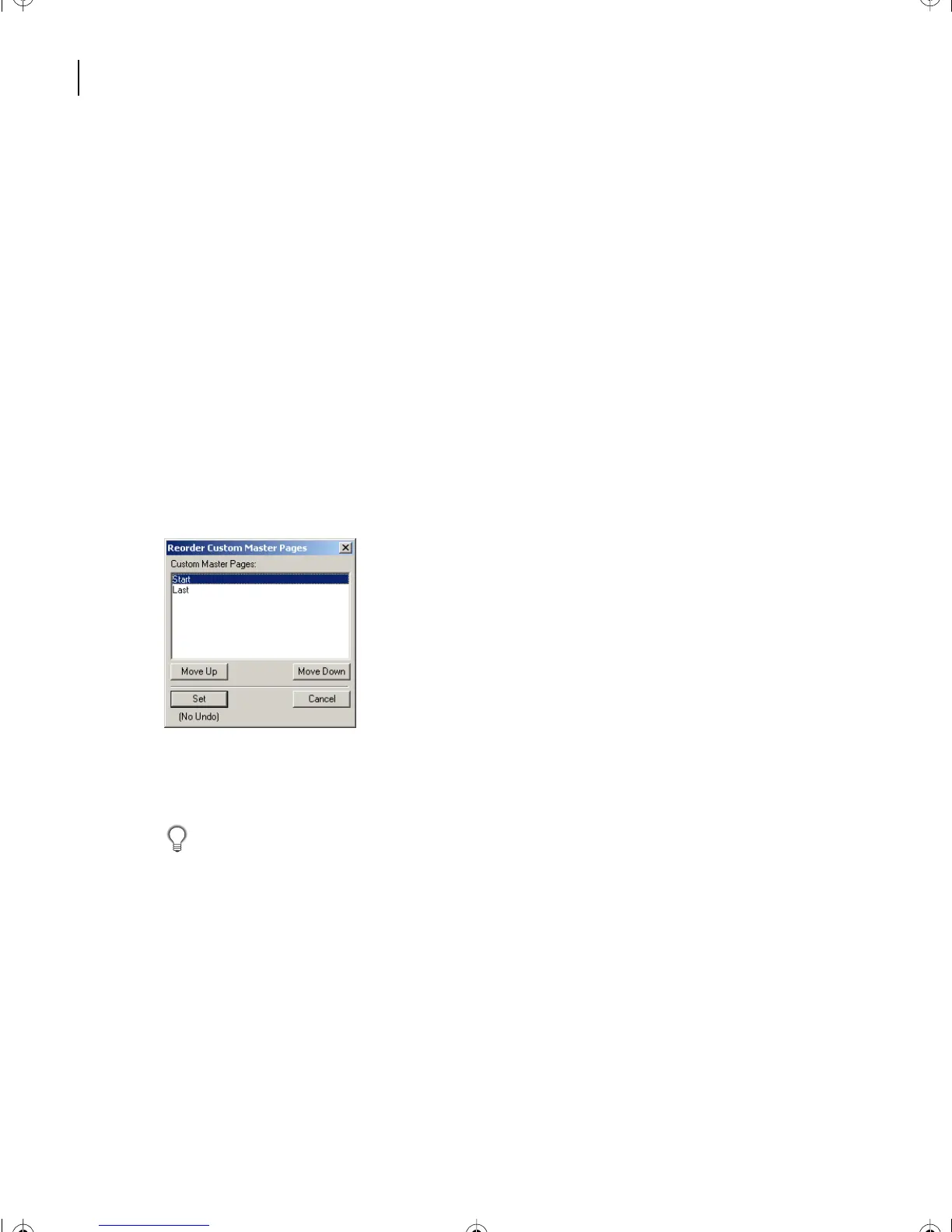
Reordering custom master pages
When you are in the master page view of the document, the Left and Right master pages
always occur on pages one and two in the list of master pages. The custom master pages
you create can occur in any sequence after the Left and Right master pages. You can
reorder the custom master pages. This is useful if you have created many master pages.
Since you have only created two custom master pages you won’t need to reorder them, but
you’ll see how it’s done.
1 Choose View > Master Pages from any page in Layout1.fm.
2 Choose Format > Page Layout > Reorder Custom Master Pages.
3 Select a master page in the Custom Master Pages list and click Move Up or Move Down
to move the page accordingly.
4 Repeat step 3 as often as necessary to obtain the order you want.
5 Click Set to reorder the pages and close the dialog box.
6 Save the document.
Yo u may find it convenient to order the custom master pages alphabetically or by the
sequence in which they will be used in the document.
Note: If you create multiple custom pages and do not reorder them, FrameMaker simply adds
the most recent to the end of the sequence.
Assigning master pages to paragraph tags
You can assign master pages to body pages containing specified paragraph tags. In this
exercise, you’ll set the HighlightText paragraph tag to be assigned the custom master page
called Start.
L04.fm Page 102 Saturday, July 6, 2002 11:34 AM



 To Next Page