4
USING ADOBE MEDIA SERVER ON AMAZON WEB SERVICES
Getting started
Last updated 9/20/2013
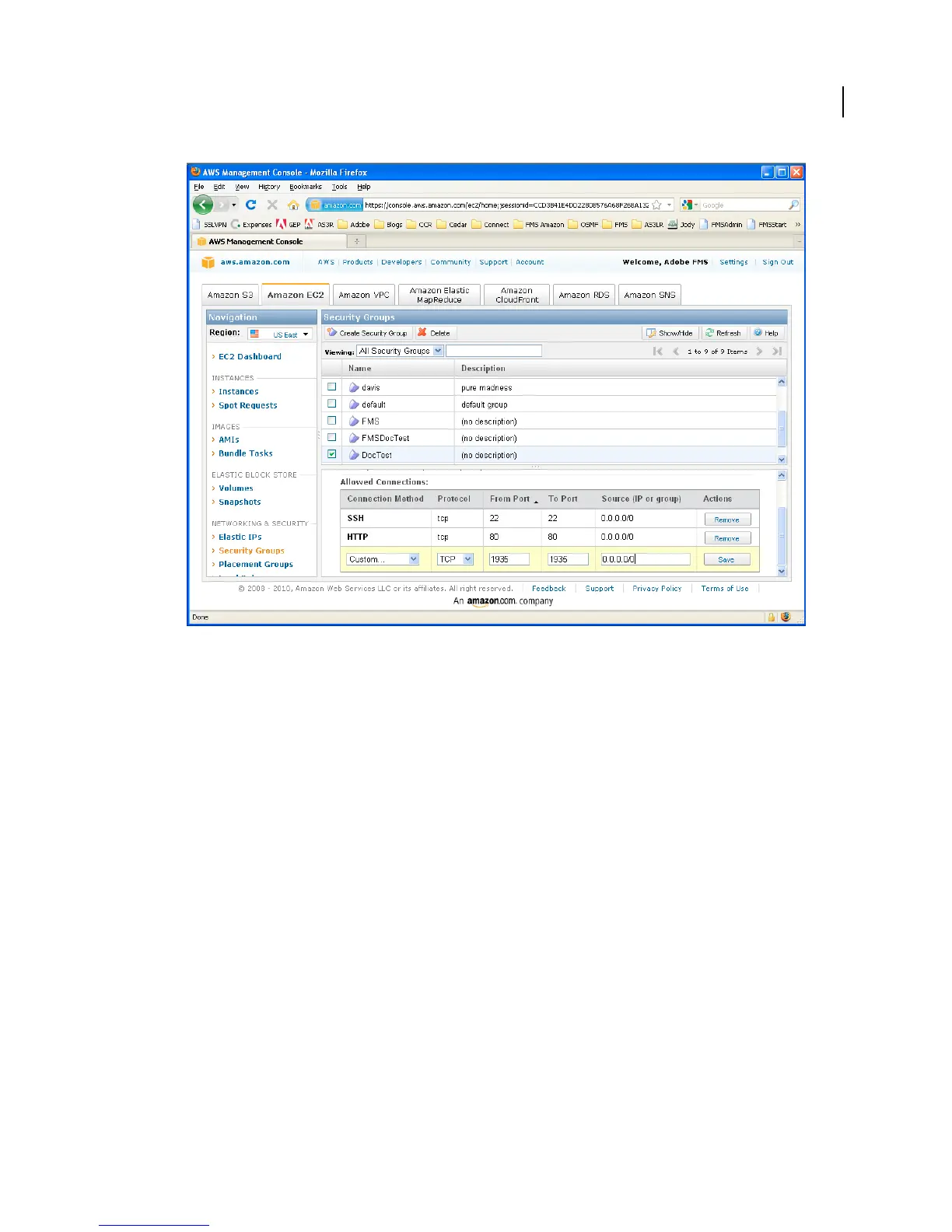
Open port 1935 in the Security Group
d Select Connection Method: Custom, Protocol: UDP, From Port: 1935, To Port: 1935, Source (IP or Group):
0.0.0.0/0 and click Save.
Verify that Adobe Media Server is running
1 In the AWS Management Console, select the instance to verify.
2 In the bottom pane, select the Description tab and scroll down to the Public DNS (domain name system). Copy the
Public DNS.
The public DNS is the address the public uses to connect to the instance. For example, the public DNS of the Adobe
website is www.adobe.com. For more information, see
Domain Name System at Wikipedia.



 To Next Page