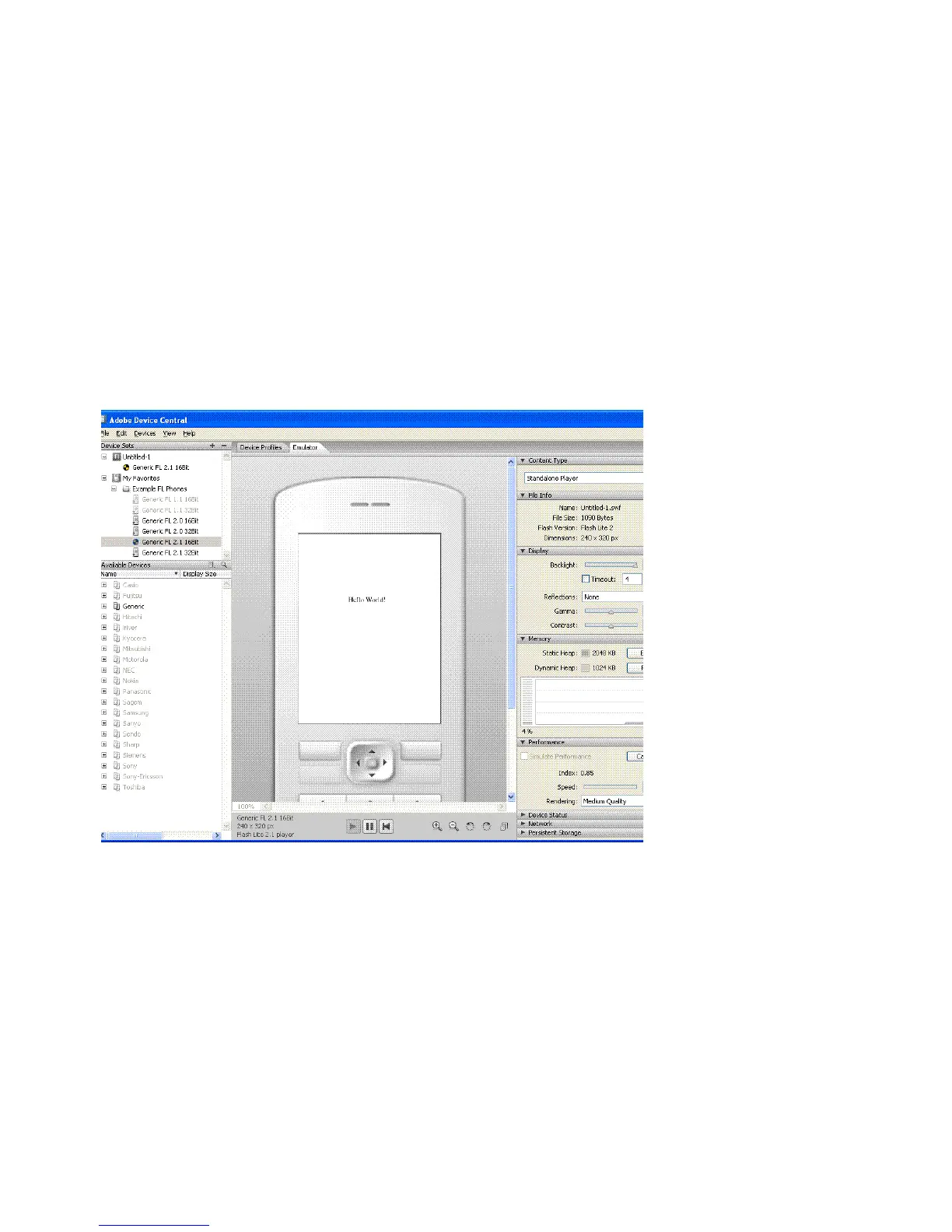
Hello World Flash Lite application 19
6. In the Tools panel, select the Text tool and drag to create a text box on
the Stage.
Type Hello, world! (or other text) in the text box.
7. Select Control > Test Movie to export your application to Adobe Device
Central and view your application in the Adobe Device Central
emulator.
Note: During testing in Device Central, you can change the device
and content type to see your application on a different platform. To
do this, double-click a device in the Available Devices panel and
select a new content type from Content Type. When you return to
Flash, Flash remembers the settings you last used in the emulator.
8.
To return to Flash, select File > Return to Flash.Select Control > Test
Movie to view your application in the Adobe Device Central emulator.



 To Next Page