28 Creating a Flash Lite Application
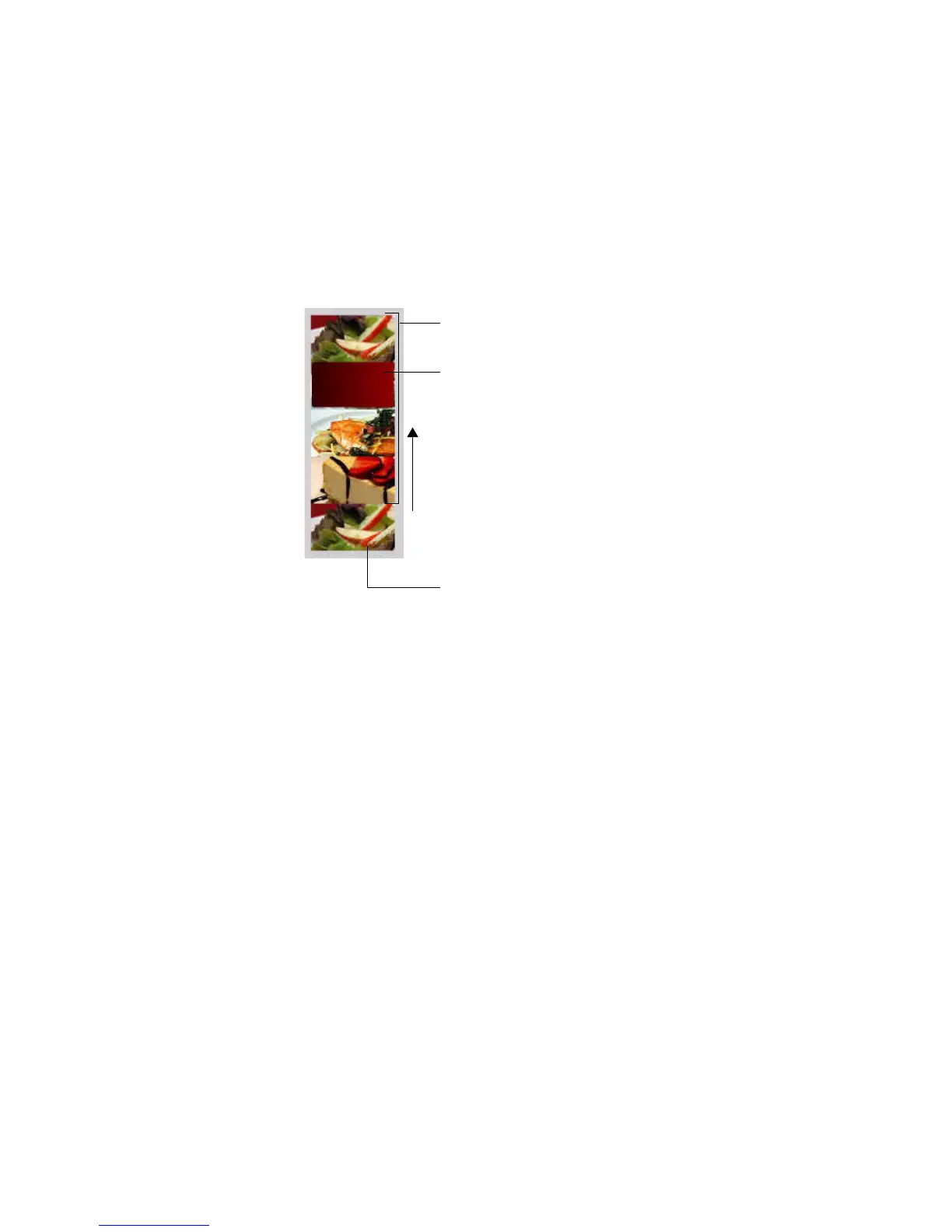
To create the animation you’ll use a prebuilt movie clip that contains
images of all the specials arranged in a vertical column. You’ll use a masking
layer to make only one of the images visible. Then you’ll create a series of
tweens that move the movie clip upward, so that a different image is
visible. The last image in the movie clip is a duplicate of the first one, so
that the animation sequence can return to its initial state after the user has
viewed the final image. The following image illustrates these concepts:
In the last section of the tutorial, you’ll add ActionScript and user interface
elements that let the user control the animation sequence.
Masking layer object
Masked movie clip of images
Tween direction
Duplicated image



 To Next Page