1
00000-18-10228P4
ADONIS
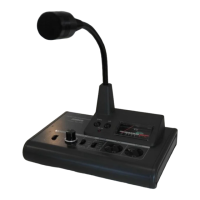
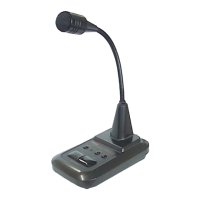
DESKTOP MICROPHONE
AM
AMAM
AM-
--
-7500
75007500
7500E
EE
E
INSTRUCTIONS
Thank you very much for your Purchase of “ADONIS” Desktop Microphone Model AM-7500E. To enjoy this
unit satisfactorily, please read the instructions carefully and we hope you can enjoy this microphone for a long
time.
FEATURES :
o Electret Condenser Microphone Elements equipped.
o High Quality Compressor Amplifier (High, Med., Low Selectable) built-in. It sends out always constant and
optimum level without distortion regardless of audio input level.
o Equipped with Graphic Equalizer for Optimum Audio Quality Control. The Audio Quality can be controlled by 4
Element Graphic Equalizer with Center Frequencies of 270, 540, 1000 and 2000Hz. It gives best Audio Quality
for FM mode and maximum efficiency for SSB mode DX.
o Non-Modulation Prevention Circuit built-in.
After continuous transmitting for a few minutes, the alarm circuit will be activated with alarm sound for 30
seconds. Then, the condition returns to the receiving mode automatically.
o Battery-Check Circuit built-in.
Press the power switch and the level meter indicates the battery condition with power voltage for a few
seconds.
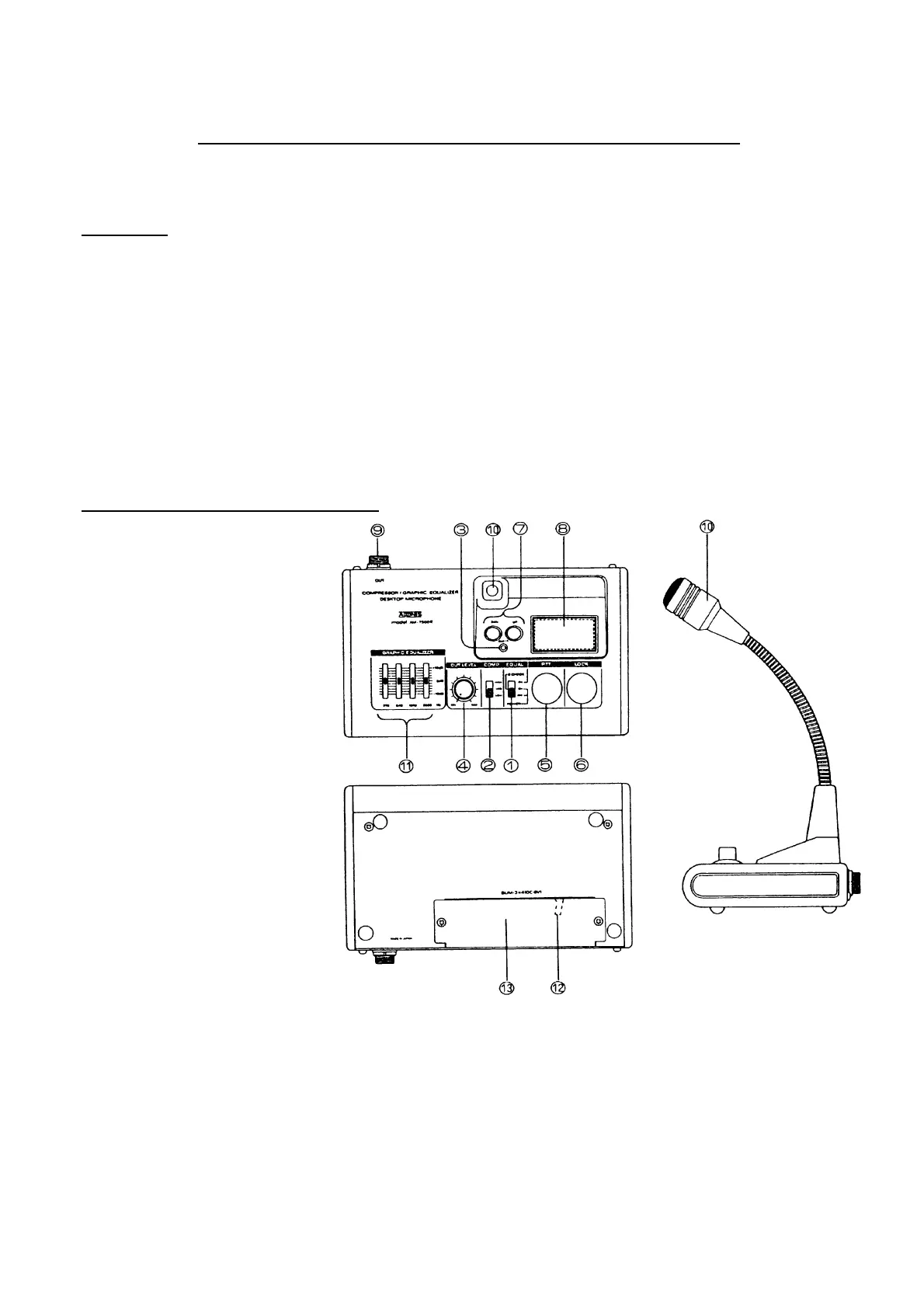
CONTROLS( Front Panel and Rear Side) :
(Fig. 1)
1)“ Power” and Graphic Equalizer
ON/OFF Switch (also for
Battery Check) :
Set the Power Switch ① to
“ON” and the Level Meter⑧
indicates the battery Condition.
A little while later, the level
meter will return to its original
function as level meter. To
activate the Equalizer function,
set the power switch ① to
“EQUAL ON” position.
(How to Check the Battery)
Turn the Power Switch ①
“ON”, then the pointer
deflects and stops for a few
seconds. If the pointer stops
at the outside of green-zone,
replace the battery to new
one.
2) Compressor Level Selector
Switch :
o HIGH (45dB) :Select this
position when you speak in a low voice or away from the microphone in a quiet place.(The
microphone will pick up the noise around the microphone.)
o MED (35dB) :This is optimum position for normal QSO. You can enjoy QSO with enough voice level at
10cm away from microphone.
o LOW (10dB) :The compressor function will activate only when microphone had a big input level of audio.
Select this position when you operate at noisy area.
3) ”ON AIR” Indicator : Turn the power switch① “ON” and LED Indicator ③ will blink on and off to
indicate the receiving condition. The LED ③ will light up continuously when
transmitting.



 To Next Page
 Loading...