GETTING CONNECTED / BLUETOOTH PAIRING
1. On your device, navigate to Settings >
General > Bluetooth, then turn it on.
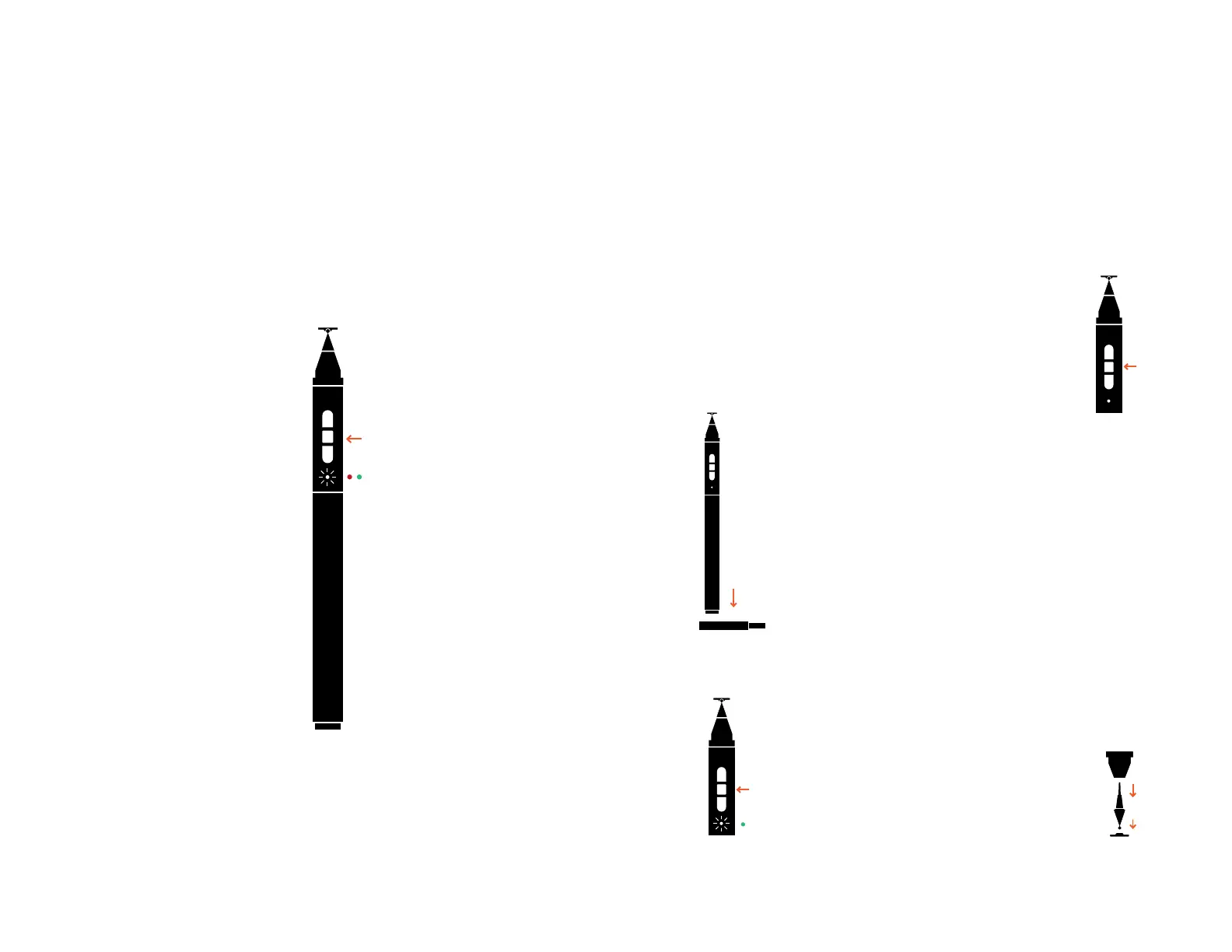
2. Without touching the tip of the stylus,
press and hold the power button in the
grip area. Touching the disc will
incorrectly calibrate Jot Touch to it’s
zero position. If pressed simply
shut off and restart.
3. Continue holding until you see the
red / green flashing.
4. Select Jot Touch after it appears in
the list of pairable items in your
device’s settings.
5. Once selected, enter the pin
“0000” to confirm your pairing with
the correct device.
6. Once successfully paired, the
indicator light will flash green and the
device settings will show that Jot Touch
is connected.
7. If unsuccessful, the indicator light
will flash red.
8. If this happens, please turn Jot Touch
completely off and restart the sequence.
9. To turn your Jot Touch off, press and
hold the power button until the indicator
light flashes red.
BATTERY
The non-replaceable battery in Jot Touch will
provide you with up to 12 hours of constant use.
When it needs to recharge, the indicator light will
flash red every 15 seconds when the battery’s
capacity reaches 10%.
CHARGING THE BATTERY
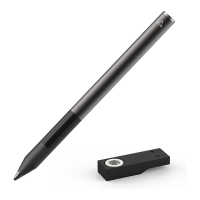
When your Jot Touch needs charging,
simply plug your provided adaptor into
any standard USB connection, following
these instructions.
1. Place the rear of the stylus on the
open contacts of the charger; it should
attach magnetically, and adhere firmly.
2. Jot Touch’s indicator light will turn on,
either red or green.
3. Red indicates that the Jot Touch is charg-
ing, but that charge value
is below 90%.
4. Green indicates that Jot Touch
is fully charged.
POWERING UP
1. Without touching the tip of the stylus,
press and hold the power button, until
the indicator light flashes green.
2. The green indicator light should flash
again once a successful connection has
been made with the device.
RESETTING
1. Turn your Jot Touch off.
2. On your device, navigate to Settings >
General > Bluetooth, then turn
on Bluetooth.
3. Touch the small right arrow next
to ‘Adonit Touch’, then tap ‘Forget this
Device’, and finally touch ‘OK’.
4. Turn your Jot Touch on, and repeat
the connection process.
THE DISC
Your stylus should be as sharp as your ideas. The
thin and clear disc gives you the accuracy you want
in a digital pen.
The small plastic disc on the tip of the Jot Touch is
the most important part of the stylus. The disc
must be attached when the stylus is used, and
should not be removed unless it is being replaced.
The disc should be kept clean and undamaged,
protected by the cap when not in use. If the disc is
damaged, however, it can be removed and replaced
with a new disc.
REMOVING THE TIP
1. To remove the tip, grip it firmly and
pull it directly out of the stylus. Do not
twist it or pull it at an angle, as damage
to the pressure mechanism may result.
+
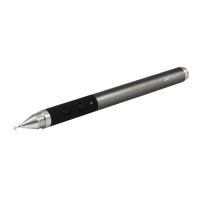
Jot touch
Product Information


 To Next Page
 Loading...