Advanced RF Technologies, Inc.
8. FiRe-78-4 Web-GUI Setup
The Web-GUI allows the user to communicate with the repeater either locally or remotely. To connect to the
repeater locally, you will need a laptop with an Ethernet port and an RJ-45 crossover cable. To connect to the
repeater remotely, you will need to have an active internet connection via an external modem or LAN.
8.1 Repeater/PC Connection Using Web-GUI
Verify that your Local Area Network Connection is set to obtain an IP address automatically under the Internet
Protocol (TCP/IP) properties.
If you are connecting to the unit remotely (use of a modem), then skip step above.
Connect the RJ-45 crossover cable between the laptop’s Ethernet port and the repeater’s Ethernet port.
Launch an Internet Browser.
Type the following IP address into the address bar of the Internet Browser: http://192.168.63.1
If you are connecting to the unit remotely, then type the IP address of the modem to connect to the unit
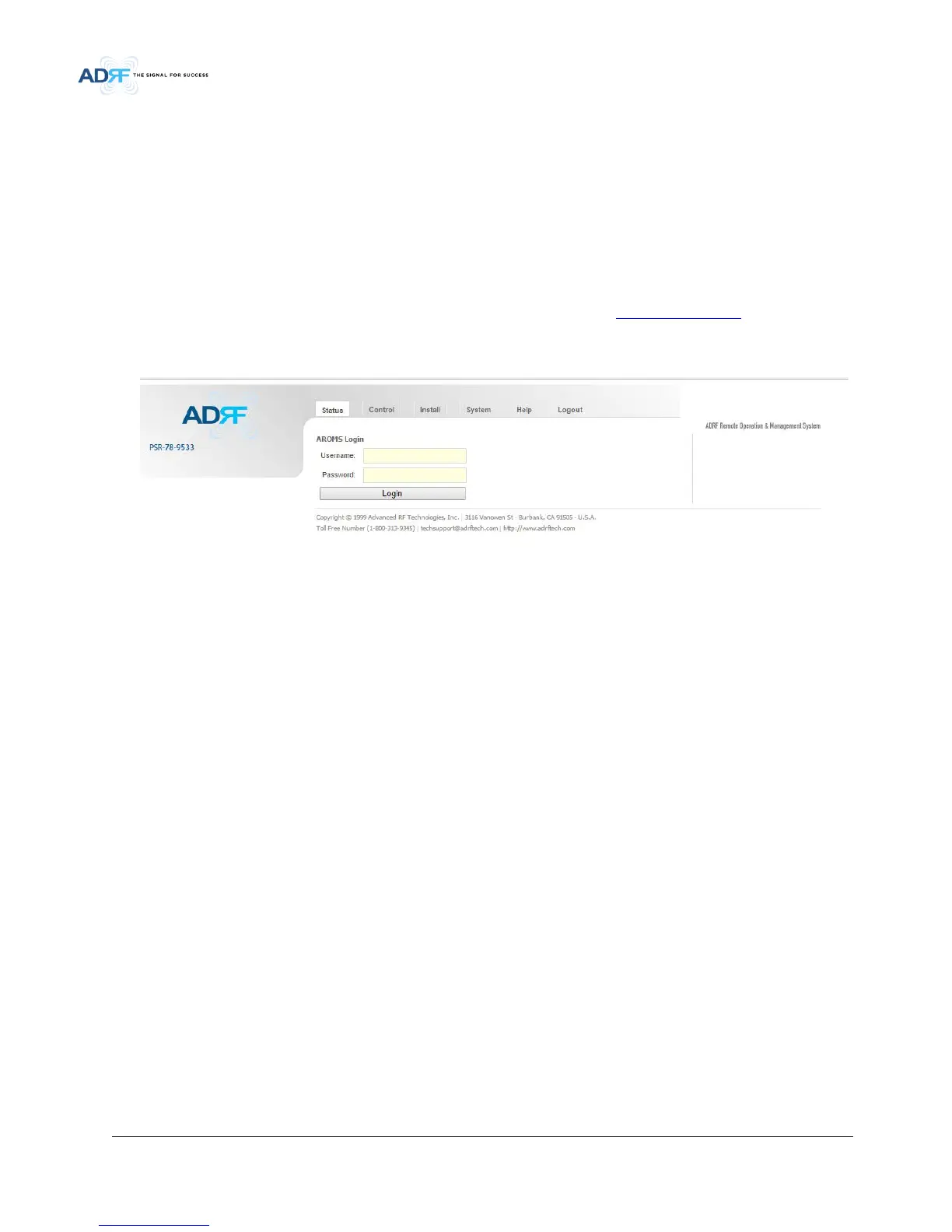
The following login screen will appear:
• Figure 5-1 Login Page
If you are not the Administrator, please type in your assigned username & password which you should have
received from the Administrator.
The default username and password for the General User is adrf & adrf, respectively.
The default Administrator login is admin & admin, respectively.



 To Next Page