Advanced RF Technologies, Inc.
8.5.3 System – Update
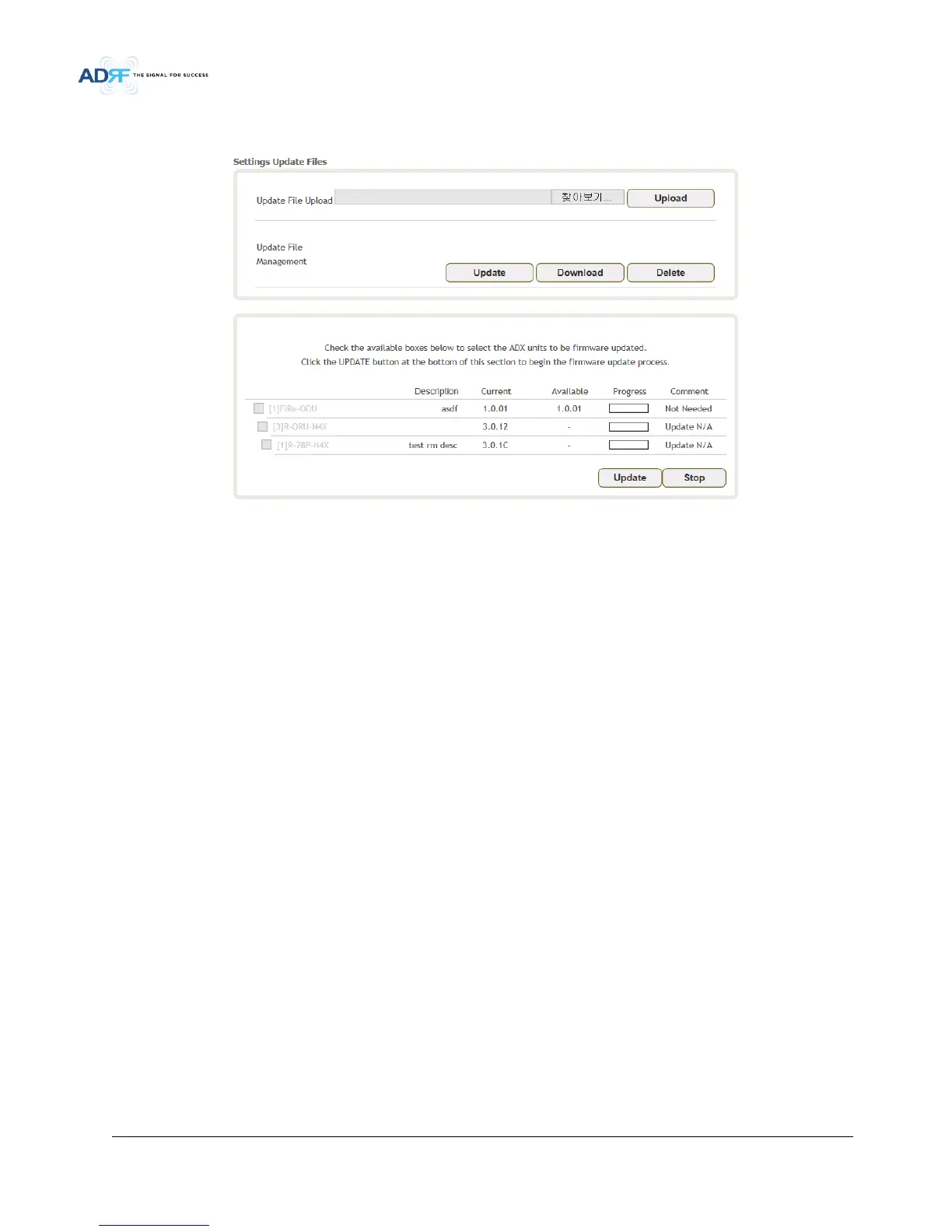
To perform a firmware update, click on the Update tab and the following screen will appear.
• Figure 5-25 System – Update
Click on the Choose File button and locate the firmware file.
Click on the Upgrade button to perform the firmware update.
8.5.4 System – Backup & Restore
The backup section allows the user to save the settings. To perform the backup, click on the Backup button and
system save the backup file. To restore the settings to the system, click on Choose File button, select the backup
file, restore unit and click the excute button.



 To Next Page