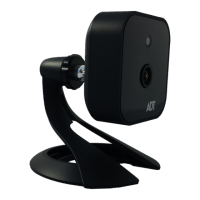
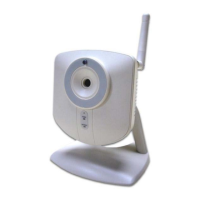
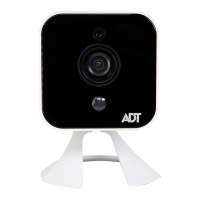
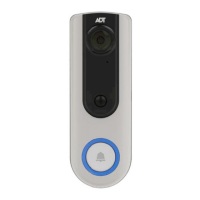
RC8326 Wireless Indoor Day/Night HD Camera Installation Guide
Chapter 2
Basic Setup
This section provides information on how to assemble and configure the
RC8326 HD Camera for enrollment.
Installation
1. Assemble the Camera
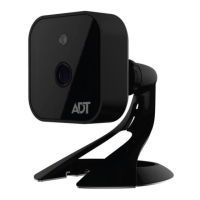
Temporarily locate the camera close to the enrollment computer and
attach the Camera Stand to the camera.
2. Power Up
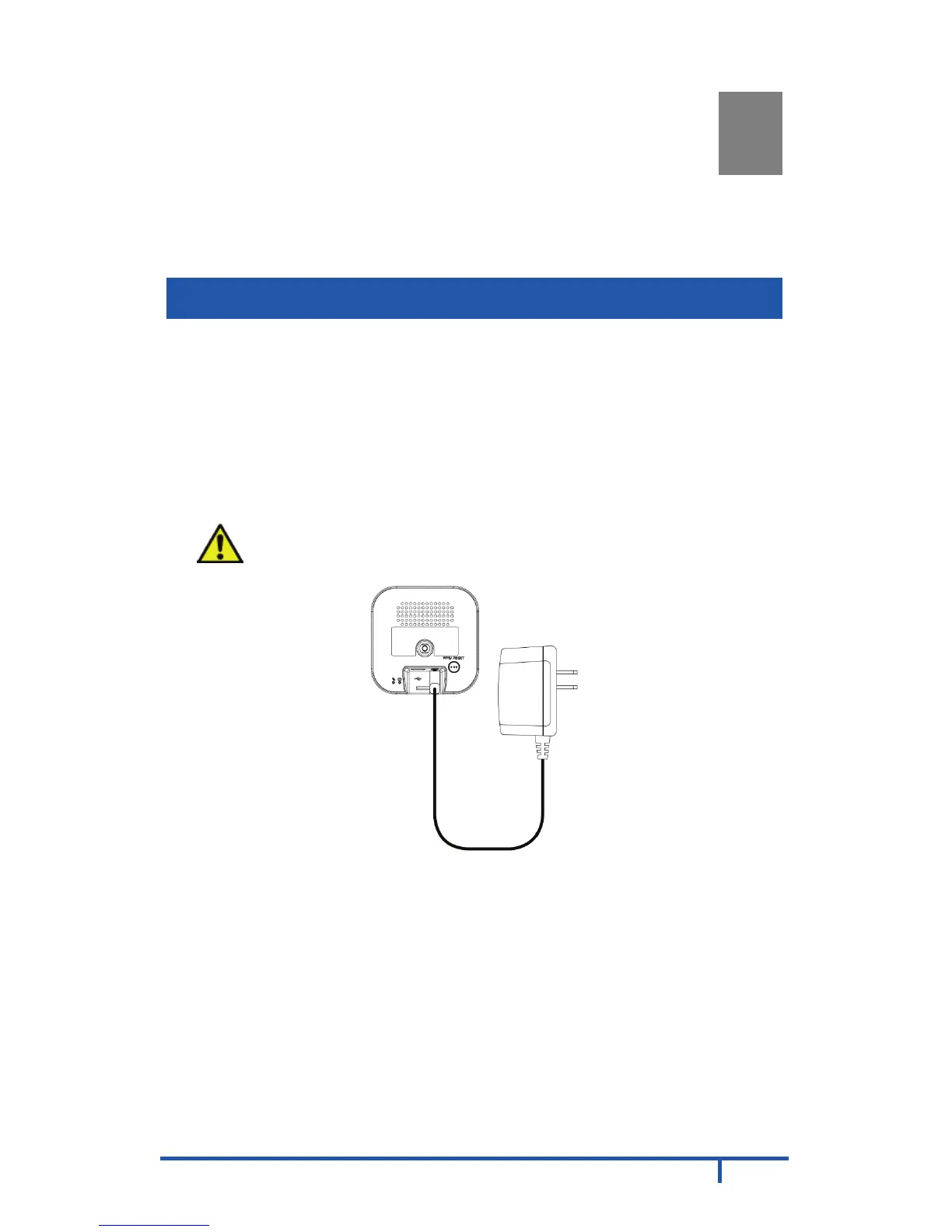
Connect the supplied 12V power adapter to the camera and power up.
Use only the power adapter provided. Using a different one may cause
hardware damage.
CAUTION: Use only the power adapter provided. Using a
different one can result in hardware damage.
Figure 4: Power Connection
The Power LED lights up solid green during startup, which takes about
one minute. After startup is completed, and prior to enrollment, the
Power LED blinks green.


 To Next Page