Software Configuration
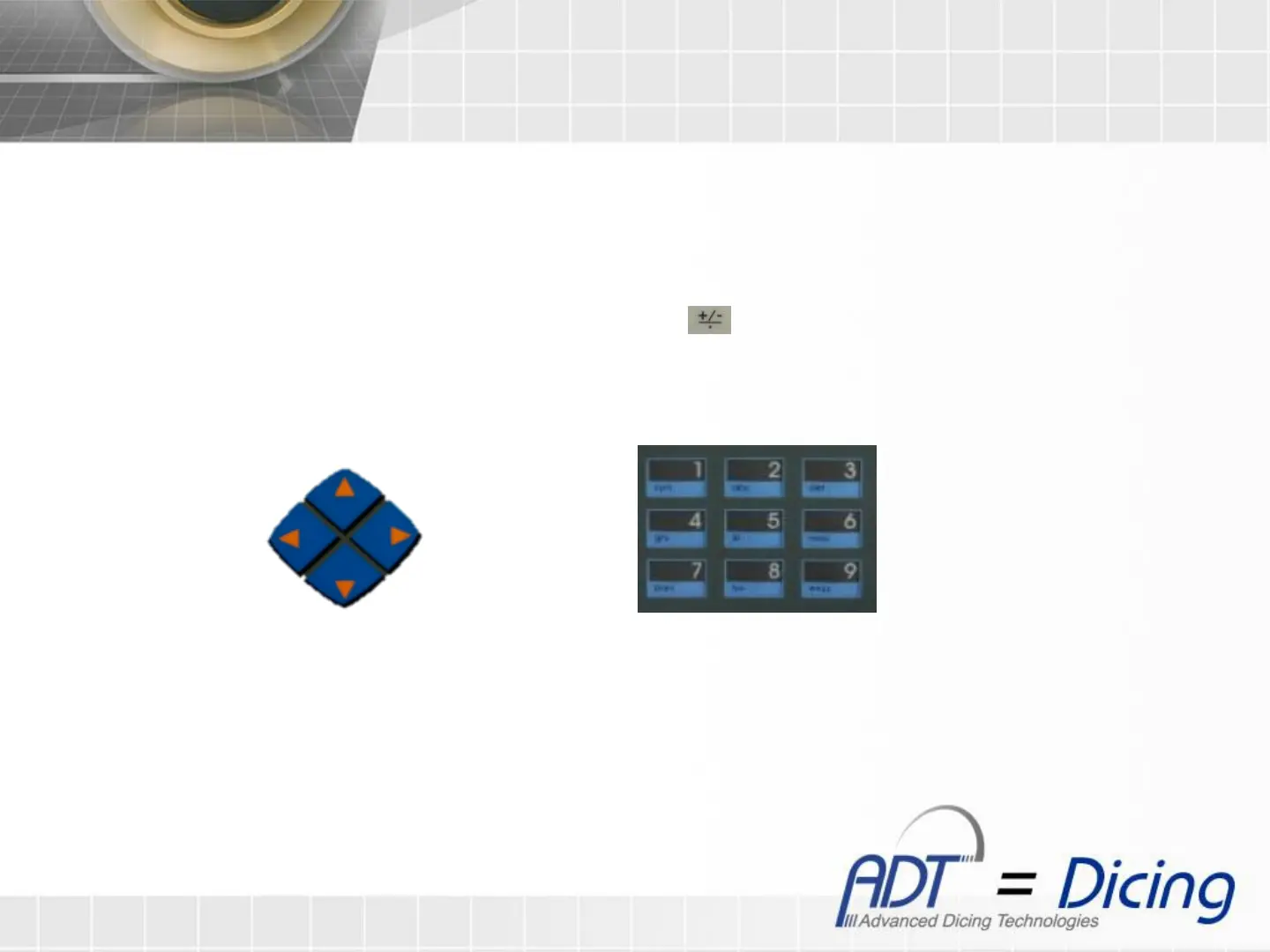
Note: To toggle between II-IV clauses, use the ‘Left’ and ‘Right’ buttons.
To insert numeric values press ‘Enter’ and use the numeric keypad, to confirm press ‘Enter’.
Numeric Keypad
6. At ‘Alarm Min (m)’ , set the threshold value. Under this value the ‘Warning Alert Screen’ will show before
each mounting. In order to disable the warning screen, insert ‘0’.
7. At ‘Init Length (m)’ , set the initial length of the tape.
8. At ‘Thickness (mm)’ , set the tape thickness. If UV tape then include the protective film.
9. Install an empty roll tape at the machine, and then press (‘Tape Left (m)’ will show 0).
10. Remove the empty roll tape, and install a new tape. (see ‘Tape loading’ section at the 967 full manual)
Left
Button
Right
Button
Up
Button
Down
Button


 To Next Page