Mounting Operation
Note: For the full mounting operation, please see ‘Mounting operation’ section, at the 967 full manual.
1. Press the ‘Load’ button at the main screen, the stage moves out to the load station.
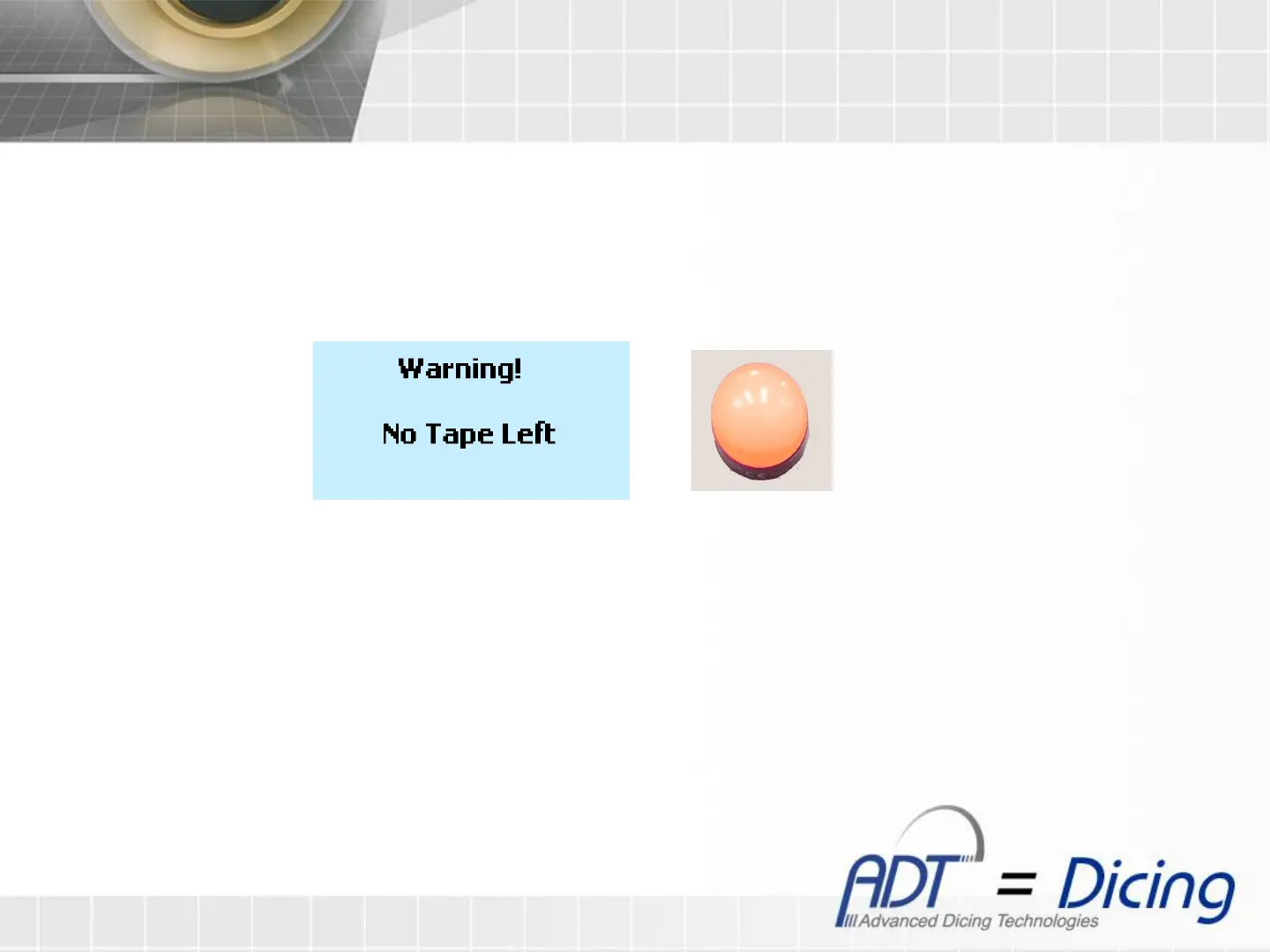
If the tape left is under the alarm min threshold, then a warning screen will show with a steady red light.
2. To continue with the mounting operation press ‘Esc’ button. The loading screen will show.
Note: Unless the warning screen is disabled (see ‘Software Configuration’ 6
th
section) or replacing the tape
with a new one, the Warning screen will appear before each mounting operation.
Warning Screen Red light


 To Next Page