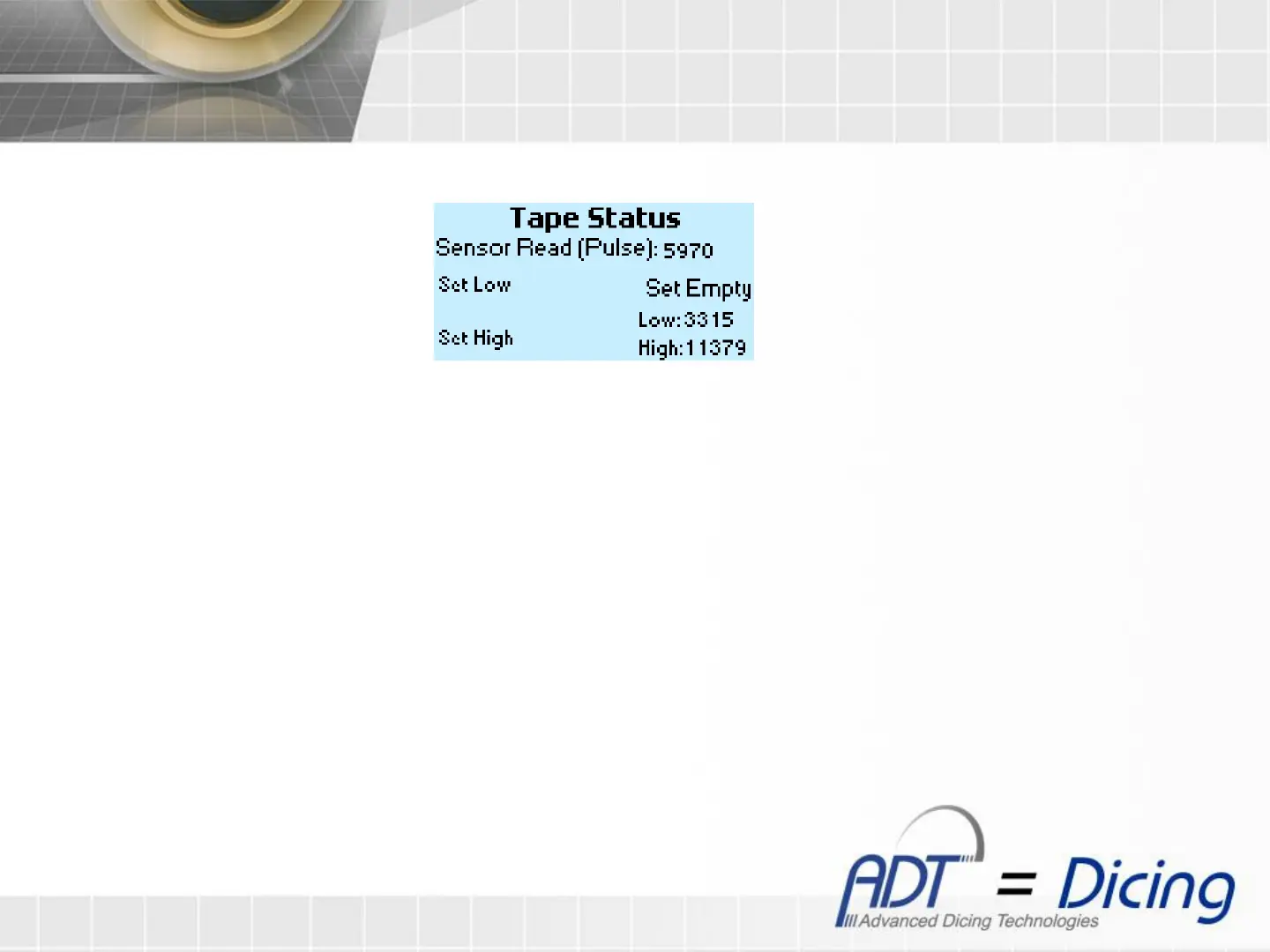
Tape Status factory calibration
1. Put the reference tool for setting low value (try to see value around 3300), above the US sensor and press
‘F1’ for 3 seconds until ‘Done!’ notice will show. – try to set low value around 3300
2. Put the reference for setting high value (try to see value around 12000), above the US sensor and press ‘F2’,
immediately ‘Done!’ notice will show. – try to set low value around 12000
3. Put an empty tape roll at tape stool , and press ‘+/-’ to set empty tape roll reference
4. Press ‘Up’ button to return to the Tape Status screen, or ‘Esc’ button to return to the Analog screen.
Tape Status factory screen


 To Next Page