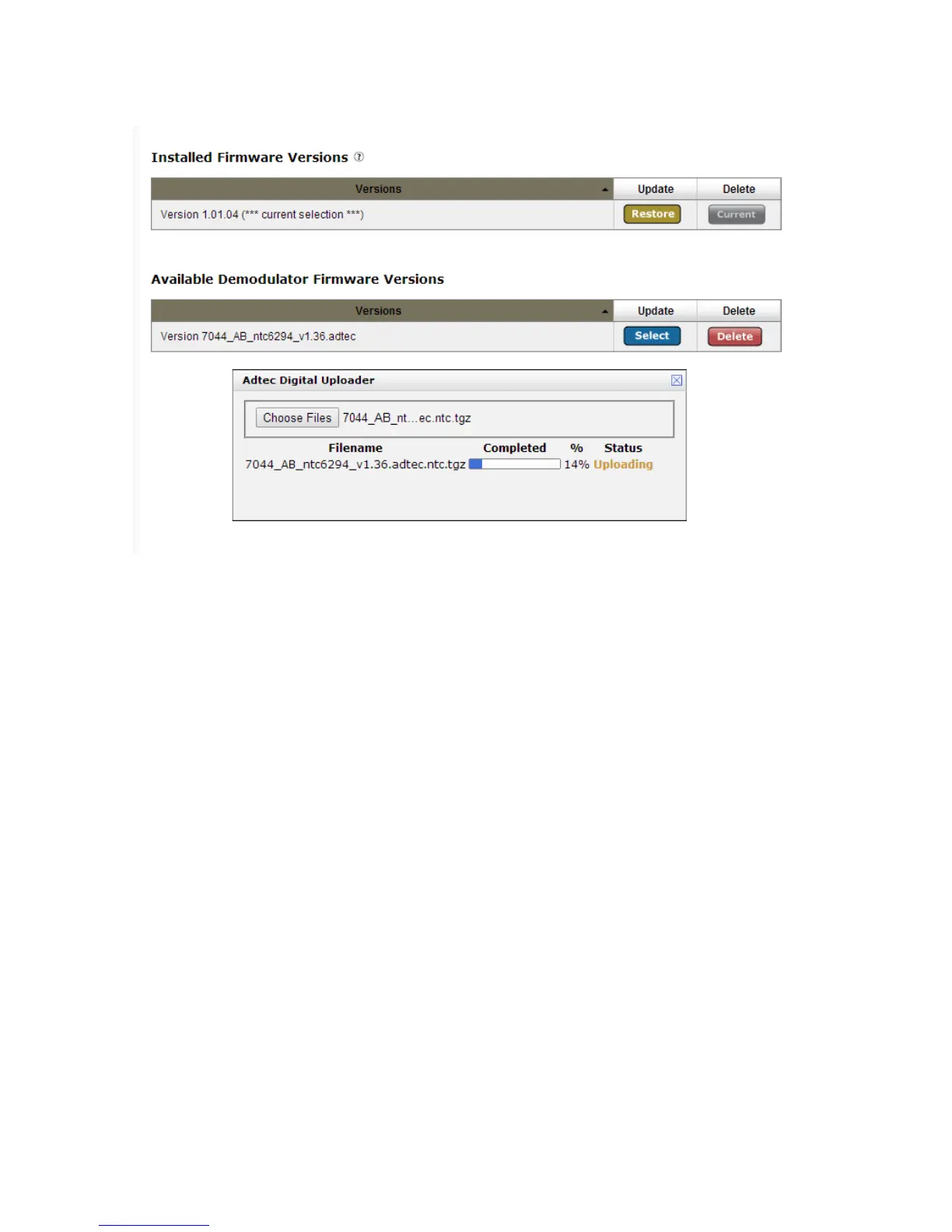
The time required to update firmware varies on hardware model and should be accounted
for during the maintenance windows.
Estimated Time required to update firmware:
LB Demod firmware update - ~6 minutes
ADV Demod firmware update - ~12 minutes
PRM Demod firmware update - ~26 minutes
Once the version is seen on the Upgrade -> Firmware tab, click ‘SELECT’ to start the
upgrade process. A status bar will appear and will progress as the firmware update
commences. When the firmware update is complete, reboot the unit and verify the
firmware version again on the Upgrade -> Features Tab.



 To Next Page