Advanced configuration is available via the Audio tab to users that need to select custom
PID’s, disable audios, and duplicate audio pairs.
Dolby E line placement is handled automatically to meet Dolby Labs specification. Some
users may need custom line placement. If the customer Dolby E line placement is out of
specification, the RD will revert line placement to the automatic in range value. Please see
table in notes for Dolby E line placement recommendations.
Notes:
● Pass-through audio bit-rates are now displayed on the left hand status panel. Please
note that these are live calculated bit-rates and will not show a static number.
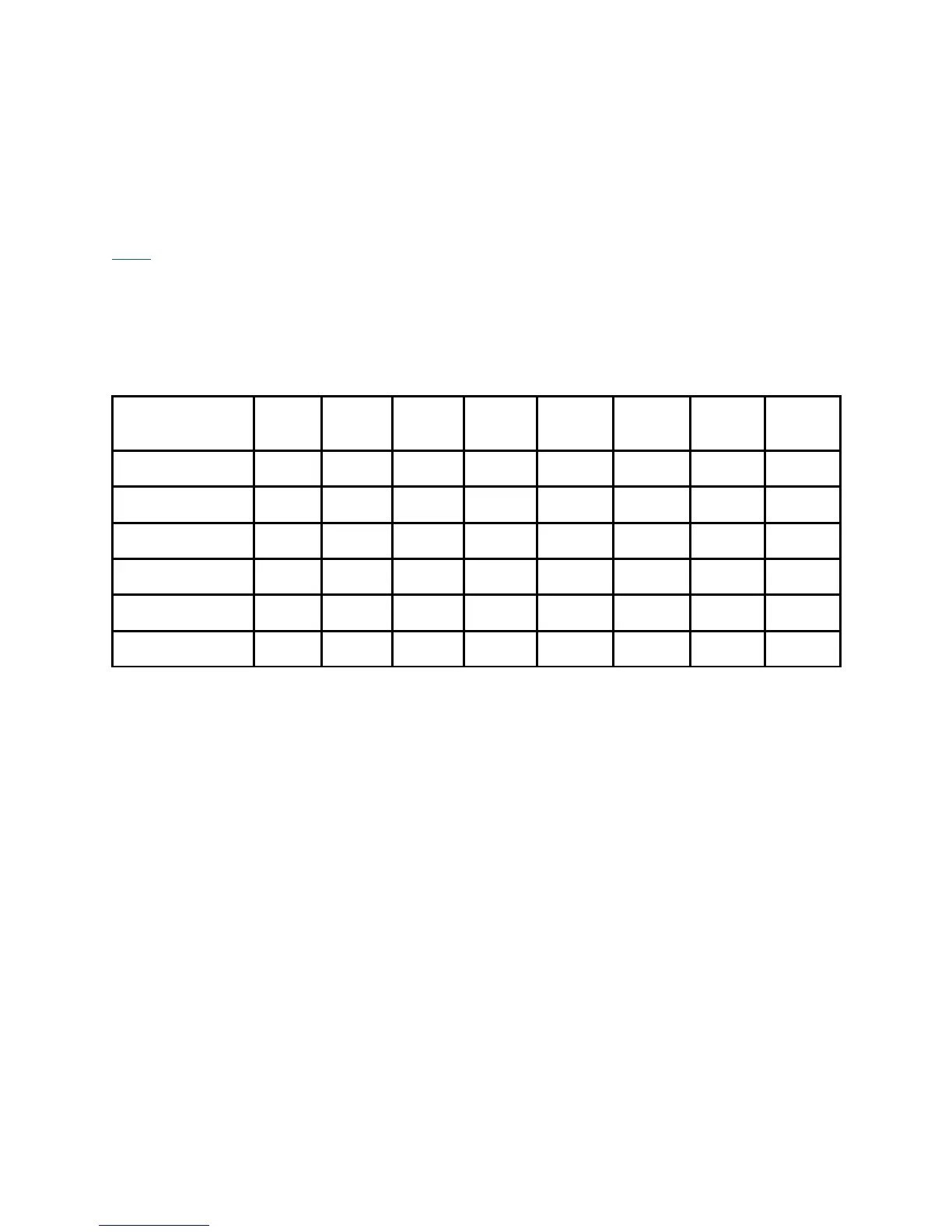
Dolby Labs - Dolby E recommended line position table
625
25
1080i
50
1080p
50
720p
50
525
29.97
1080i
59.94
1080p
59.94
720p
59.94
Earliest 8 13 26 17 12 18 35 23
Ideal -80us 11 19 37 25 13 21 42 28
Ideal +- 80us 12 21 42 28 14 24 47 32
Ideal +80us 13 23 103 31 16 26 52 35
Latest 30 53 105 70 26 48 95 63
Adtec Auto 19 30 42 35 19 30 47 40



 To Next Page