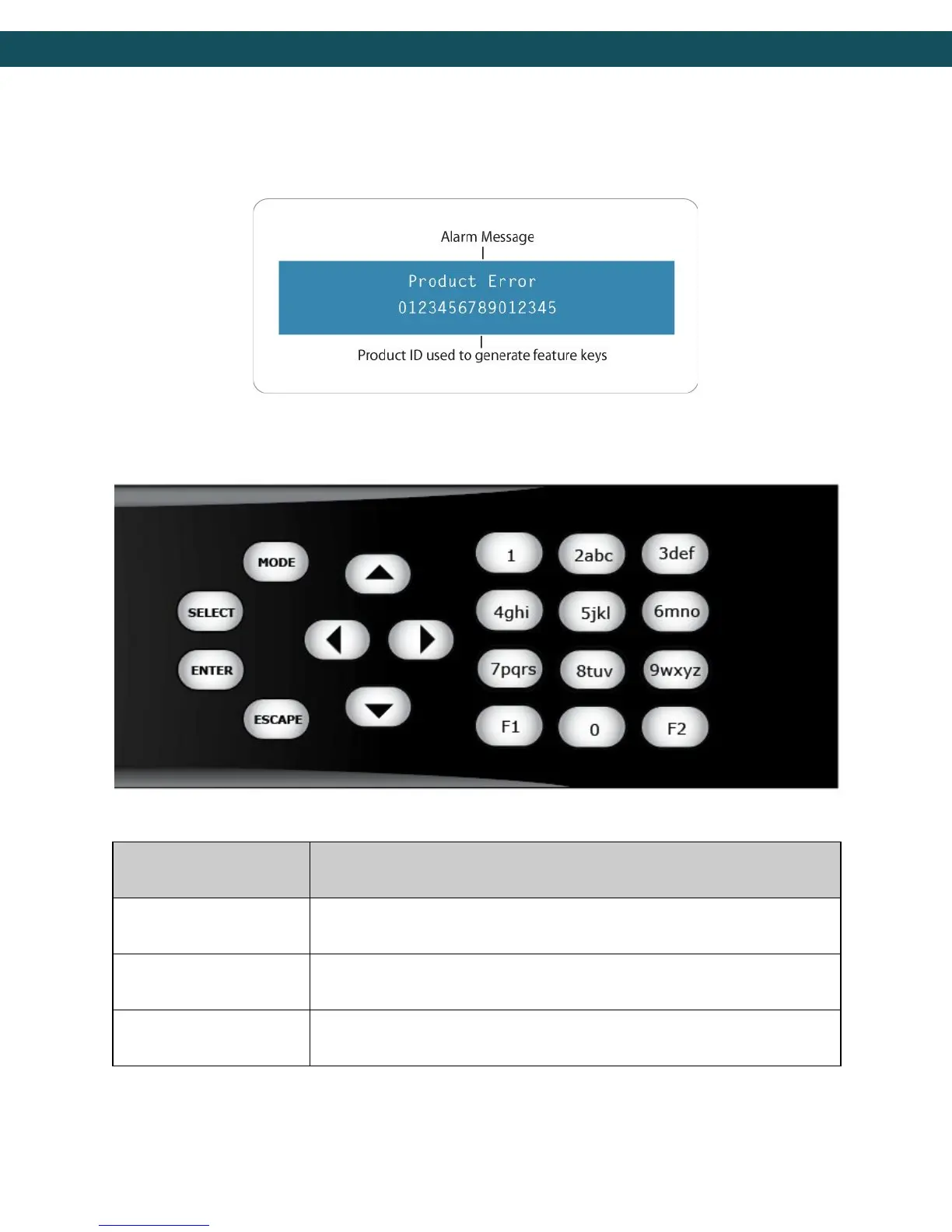
2) Disabled Product State: When the product is in a disabled state, the LCD will relay the
following information. To reapply network configurations simply press the Down arrow when
in this state to navigate through the network menu.
Front Panel Button Controls
Using the Mode, Select, Enter, Escape, and directional buttons, the user can control the unit
via the front panel.
Mode will cycle through top level menus.
Select will enter into menus or edit mode.
Enter submits any edited configurations.
15



 To Next Page