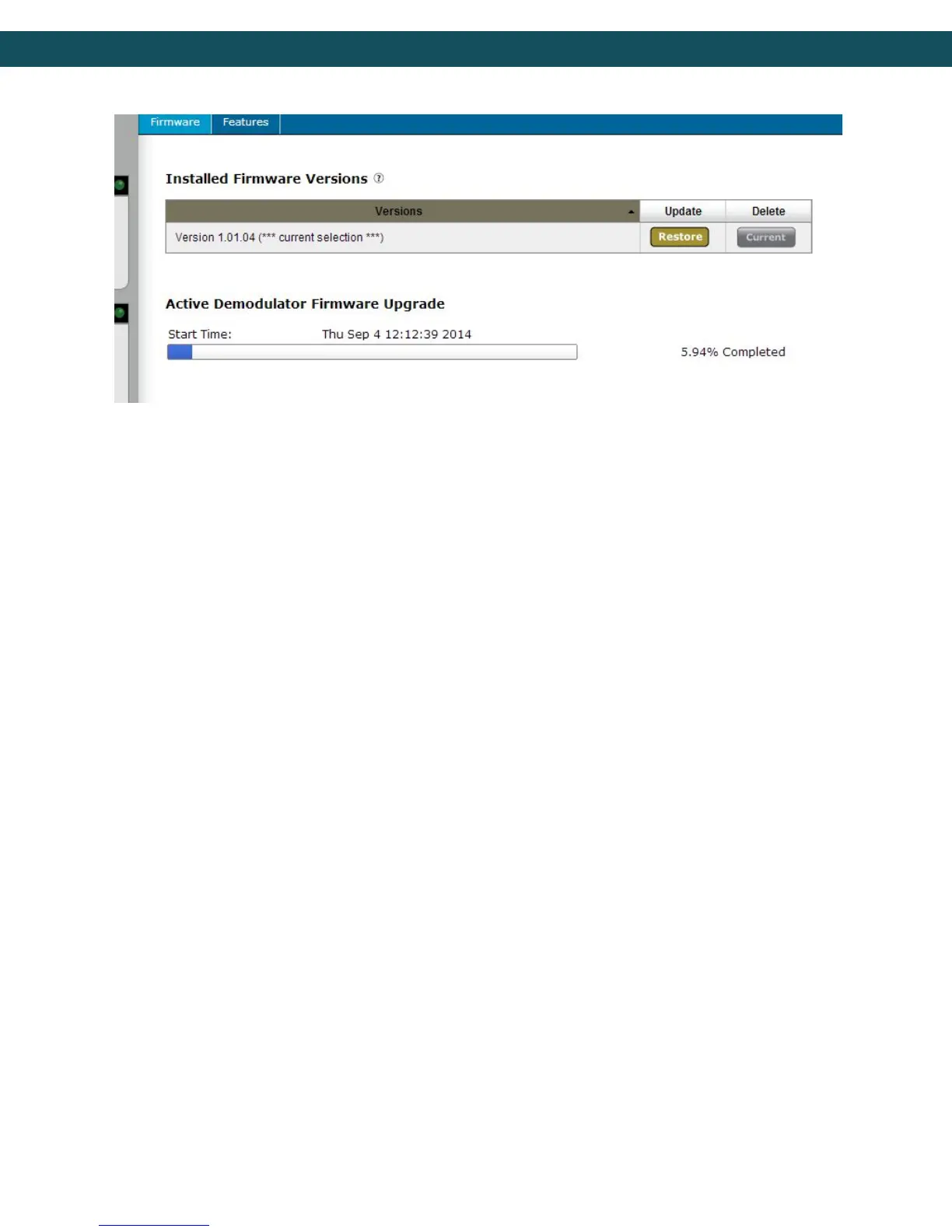
!!NOTE!! It is only recommended to update during a planned maintenance window. If a
firmware upgrade fails for any reason, it is OK. Just try the upgrade again by clicking on
the ‘SELECT’ button. The upgraded version can be verified by visiting the Upgrade ->
Features tab after reboot. It is recommended to delete the file after a successful upgrade
by clicking the ‘DELETE’ button.
98



 To Next Page