16
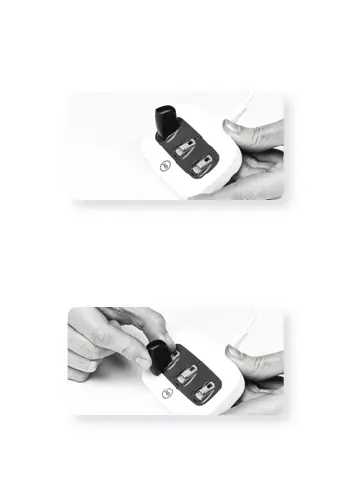
Slide the M Battery along the tracks until it engages.
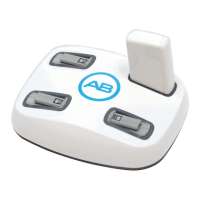
The charger is designed so the M Batteries can only be
inserted in one direction.
Removing the M Batteries from the charger
Gently slide the M Battery out of the slide tracks of the
charger, toward the front edge of the charger. Do not pull
directly up on the battery.



 To Next Page