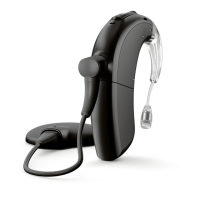
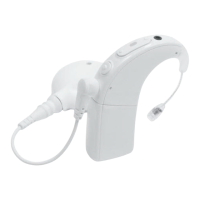
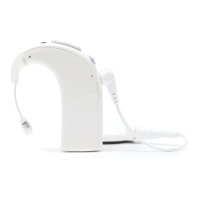
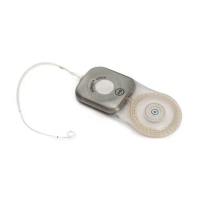
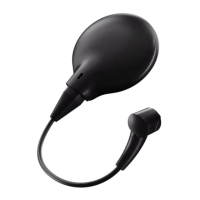
Marvel CI
Bluetooth Resource
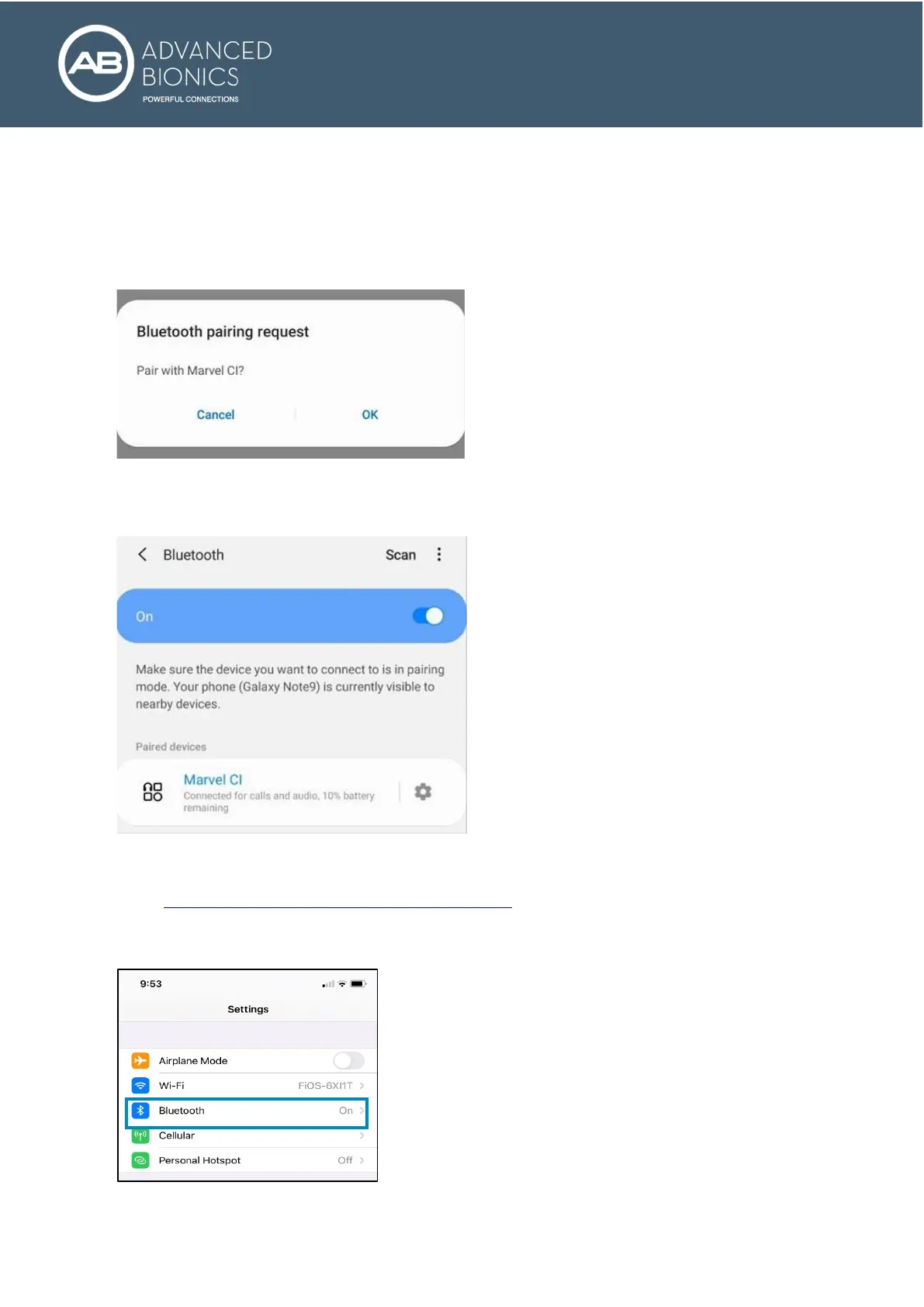
5. Connect the M Battery to Marvel CI to start the 3-minute pairing window. Once the Bluetooth has been
turned ON on the Android device, it will automatically scan for available devices.
6. On the Android phone, you will now see a message, Available Devices. If no devices appear, confirm
the recipient’s Marvel CI is in pairing mode by re-connecting the M Battery to Marvel CI and tap Scan
again.
7. The name of the recipient’s Marvel CI will appear. Tap on it to select. A message may appear on the
Android device to confirm the pairing request.
8. A connection beep will be heard in the paired Marvel CI.
9. The recipient’s Android phone is now connected to Marvel CI.
Can recipients connect Marvel CI to an iPhone?
Yes. See the Bluetooth and Mobile App Compatibility Guide
for a list of compatible iPhone models.
1. Go to the iPhone home screen and tap on the Settings icon.
2. In the settings menu, tap on the Bluetooth icon.
3. Tap on the slider button next to Bluetooth to turn Bluetooth On.
4. Connect the M Battery to Marvel CI to start the three-minute pairing window.


 To Next Page