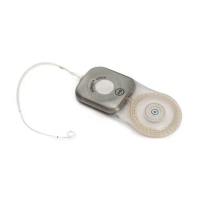
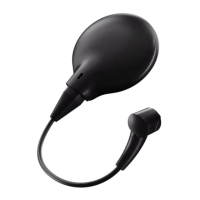
Marvel CI
Bluetooth Resource
Connect to the AB Remote Mobile App
1. After completing the Bluetooth pairing, download the AB Remote Mobile App. For Apple devices, visit
the App store and search for “AB Remote”. For Android devices, visit the Google Play store and search
for “AB Remote”.
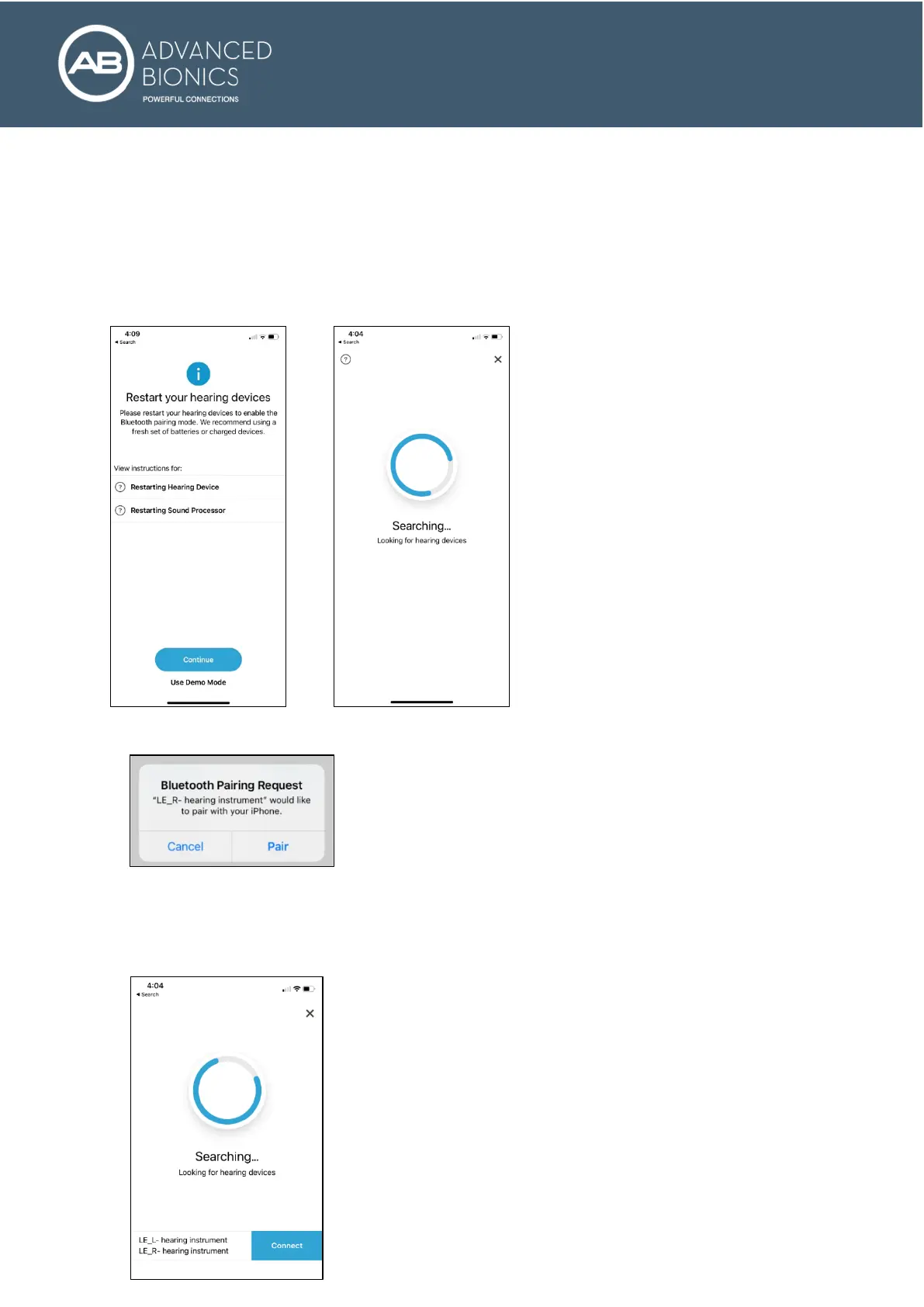
2. Open the app, select “Continue” until you reach the “Restart your hearing devices” screen, then follow
the directions to restart the hearing devices. Select “Continue”.
3. When prompted, select “Pair” for each device.
4. When the Marvel device(s) are recognized, select “Connect” in blue. Please note if recipients have
bilateral or bimodal devices, both devices should show up as seen below with one “Connect” option. If
they display as separate connections, please confirm the recipient has a programmed set of devices.


 To Next Page