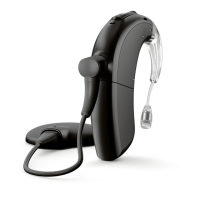
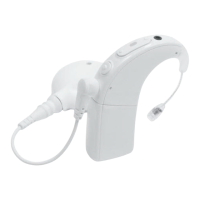
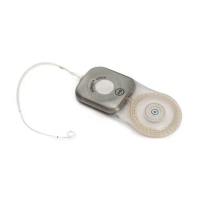
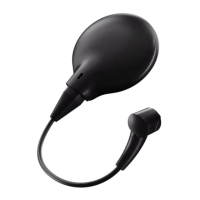
Marvel CI
Bluetooth Resource
Connect to Bluetooth with Marvel CI
Can recipients connect Marvel CI to an Android Phone?
Yes. See the Bluetooth and Mobile App Compatibility Guide
for a list of compatible Android models.
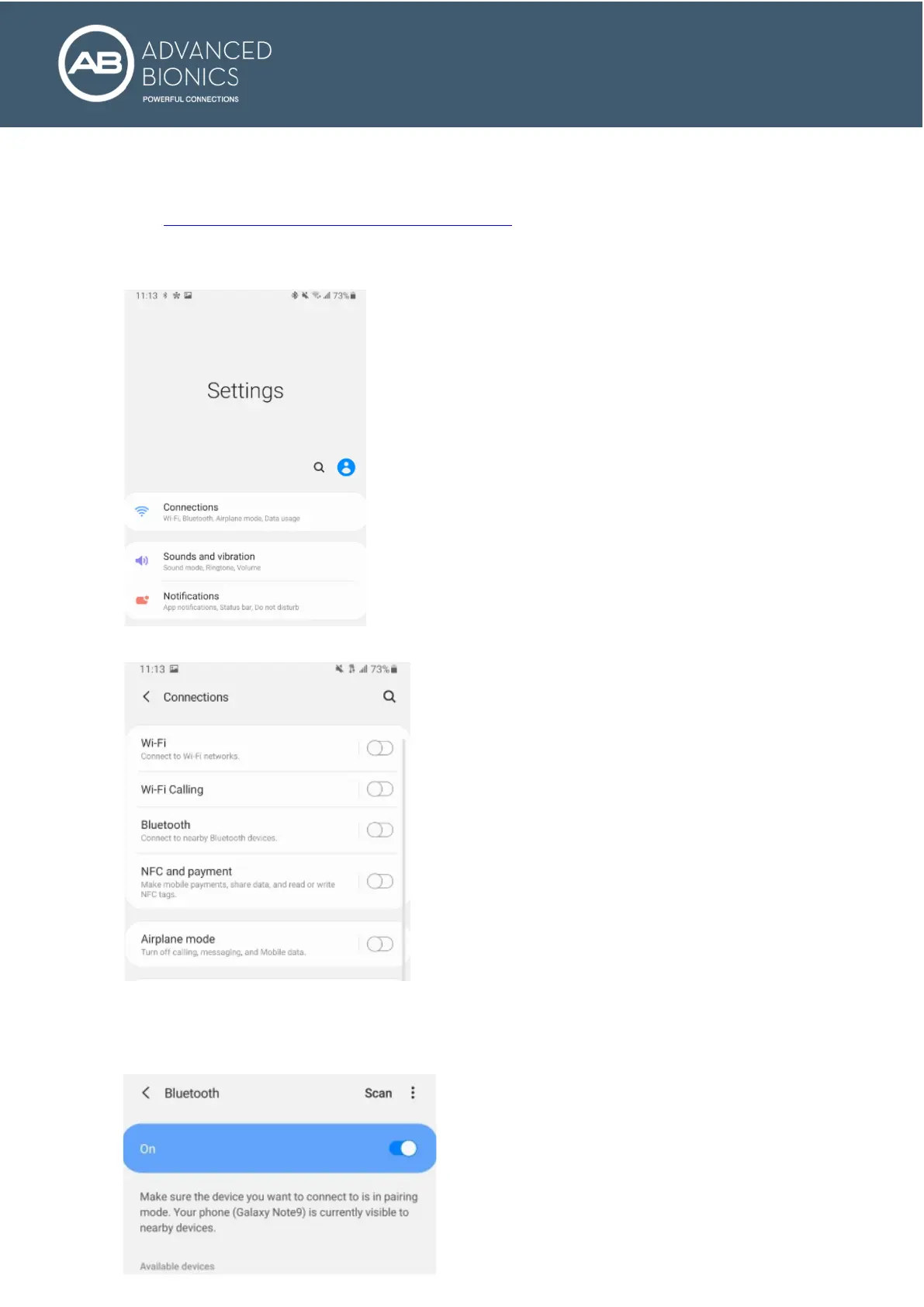
1. Tap on the Settings icon. If this icon is not visible on the home screen, it can be found with the other
apps on the recipient’s device.
2. In the settings menu, tap on Connections.
3. In the Connections menu, tap on the slider to turn Bluetooth on.
4. You will see this screen when you tap on Bluetooth.


 To Next Page