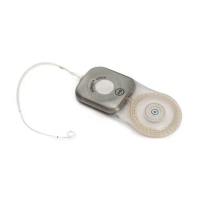
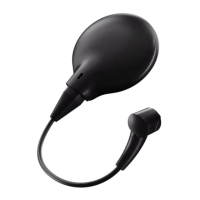
Marvel CI
Bluetooth Resource
AB Remote Mobile App Notes:
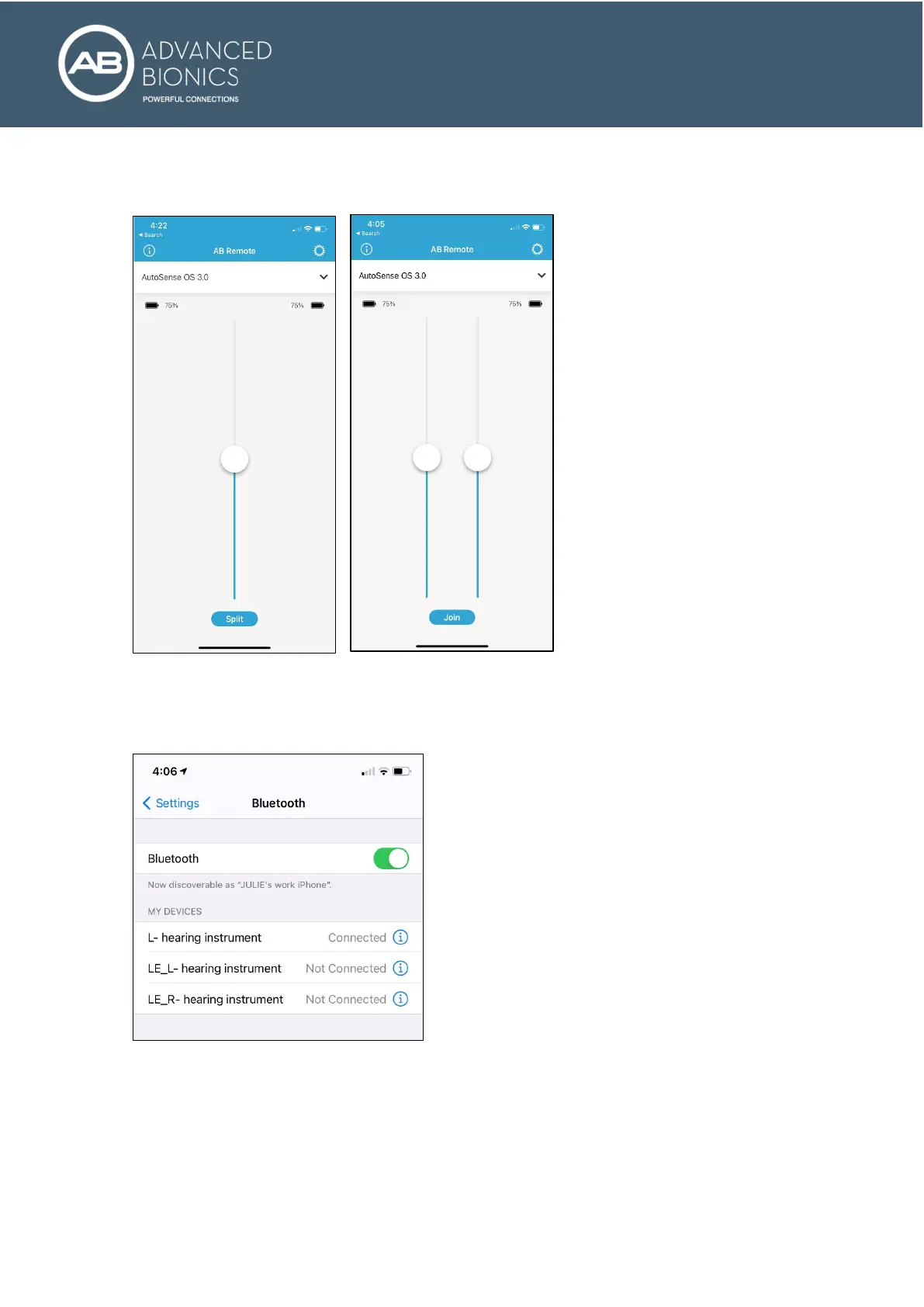
1. For bilateral or bimodal Marvel devices, volume can be adjusted for both sides together or the volume
can be split to adjust each side individually.
2. Once the devices are connected in the AB Remote Mobile App, the Bluetooth pairing(s) in the phone’s
Bluetooth settings will be as follows:
3. Bluetooth LE remains in sleep mode or “Not Connected” until the AB Remote App is opened and the
connection is established. This is why the LE_L-Hearing Instrument connection will always display as
“Not Connected” in the device’s Bluetooth menu.


 To Next Page