Instructions
System Card Wiring
1. Wire the system card as shown at right.
Finishing Up
1. Power up controller.
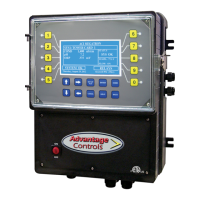
2. Press the Setup/Run on the MegatronXS keypad.
3. Press the (7) Congure key.
4. Press the (0) Factory key.
5. Enter the Factory Password.
Note: To get the factory password, please contact the
nearest Advantage Controls support representative or
call 1-918-686-6211 to speak with a customer service
team member.
6. Press the (2) Card I/O key.
7. Press the (3) pH key.
8. Scroll to the “pH Active” option using the up or down arrow
key.
9. Press the Enter key to conrm this choice.
10. Press the (4) ORP key.
11. Scroll to the “active” option using the up or down arrow
key.
12. Press the Enter key to conrm this choice.
13. Press the Setup/Run key to return to the Run Screen of
the Megatron XS.
LED
Red
Black
Green
White
Ground


 To Previous Page
 Loading...