Need help?
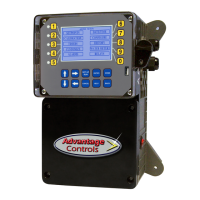
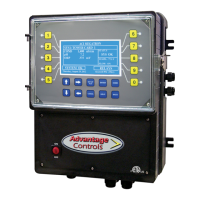
Do you have a question about the Advantage Controls MICROtron MICRO-C and is the answer not in the manual?
Details how to determine unit features by comparing the model number label on the controller.
Monitoring and control of Total Dissolved Solids (TDS) in recirculating water systems.
Selectable timers for programming feed cycles, including pulse, recycle, and 28-day types.
Details incoming power, output relays, and low voltage signal wiring requirements.
Guidance on selecting a mounting location for optimal access, visibility, and stability.
Precautions against direct sunlight, extreme temperatures, vibration, and EMI during mounting.
Instructions for installing probes in various circulating water systems for proper operation.
Details on installing probes and flow assembly in a sample line for cooling towers.
Advisories on water temperature range, maximum pressure, and electrode sealing.
Explanation of the function of each button on the MicroTron controller's front panel.
Details normal operation where control relays activate and system values are displayed.
Describes how to access and navigate the SET UP menus for adjustments and settings.
An overview of the main menu circle for customizing unit parameters and settings.
Lists main menu items for configuring the MICRO-C unit: Calibration, Bleed Set, Alarm List, etc.
Lists main menu items for configuring the MICRO-F4 unit: Alarm List, Timer Set, Configure, etc.
 General
| Brand | Advantage Controls |
|---|---|
| Model | MICROtron MICRO-C |
| Category | Controller |
| Language | English |

 To Next Page