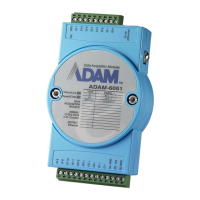
ADAM-6051W Configuration
Network Configuration
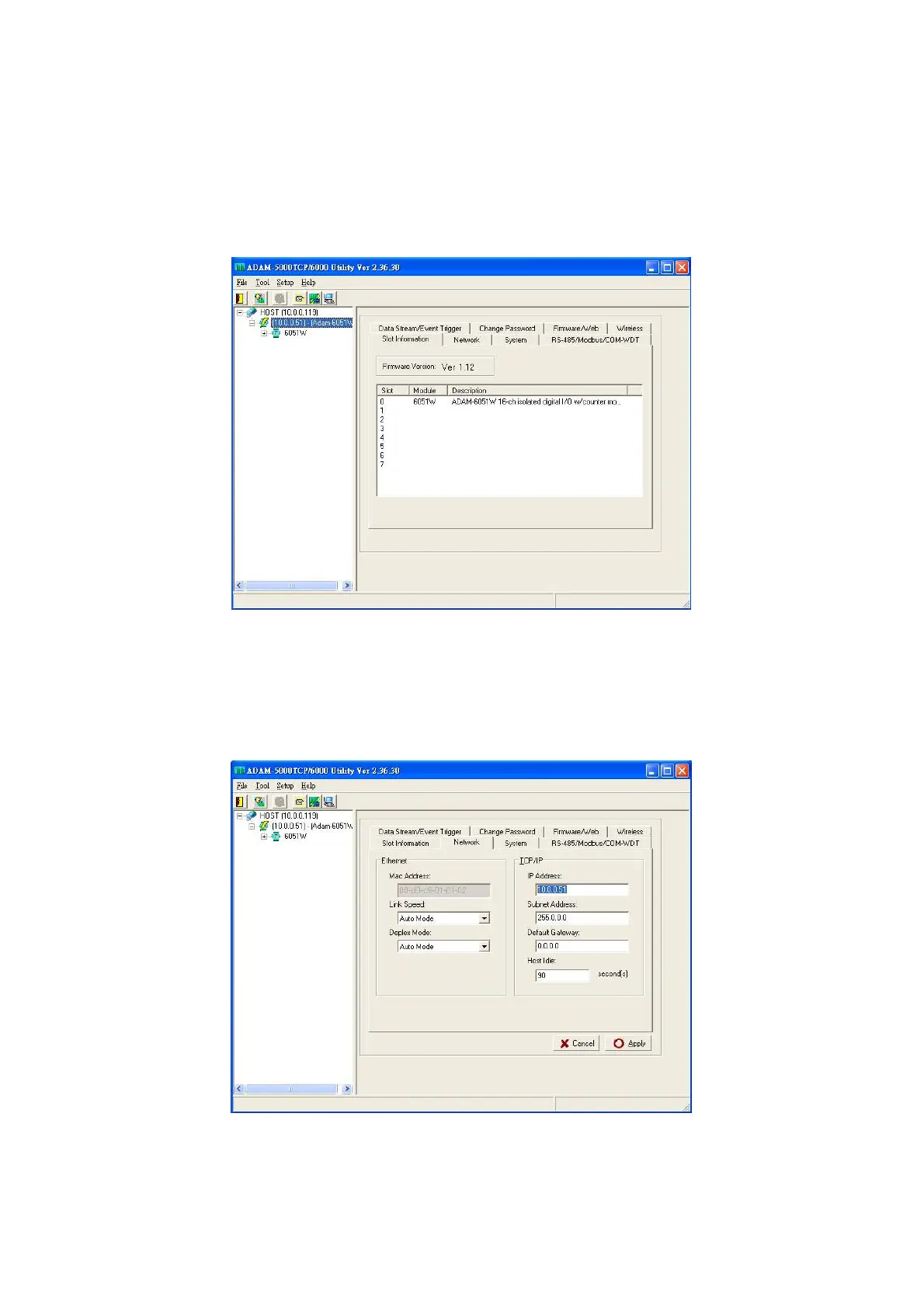
Step 1 : Please open the ADAM-5000TCP-6000 utility software. The utility software will automatically
scan the ADAM-6000 modules. Please wait for the ADAM-6051W being found by utility software.
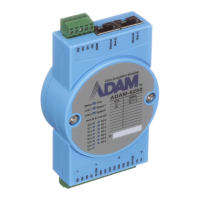
Step 2 : Please go the “Network” page to change the IP address/Subnet Address/Default Gateway of
ADAM-6051W module to be compatible with user’s existing network and set the host idle time out value
(the ADAM-6000 module can only accept 8 connection from host station. Any host station doesn’t request
the communication with this ADAM-6000 module over the time out setting, the connection of this host
station will be released for the other stations).
press “Apply” to download the new IP address to ADAM-6051W module (the default password for the
changing configuration is “00000000”).


 To Next Page