Fasten the dome cover to camera body so that the foam ring and
the dome cover are attached seamlessly.
SD Card Installation
For camera models that support memory card as local storage, you
can follow the steps to mount and unmount the memory card.
This camera series shares a similar structure, type III camera is used
for demonstration.
Steps:
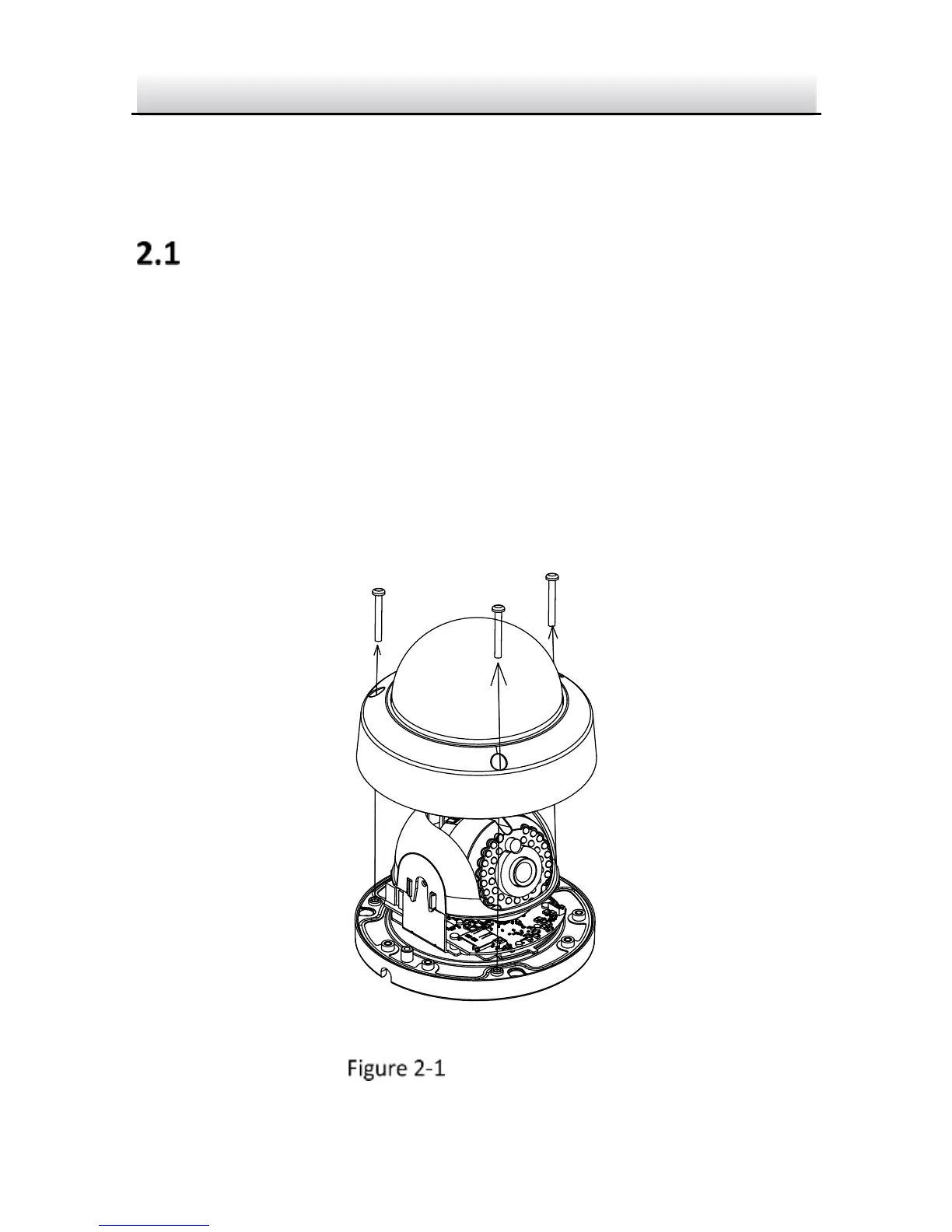
1. Loosen the screws on the bubble. Remove the bubble to expose
the memory card slot.
Remove Bubble



 To Next Page