Notes:
● In case of losing, screws on bubble can not be screwed out
thoroughly.
● The bubble is fastened to the camera with a safety rope.
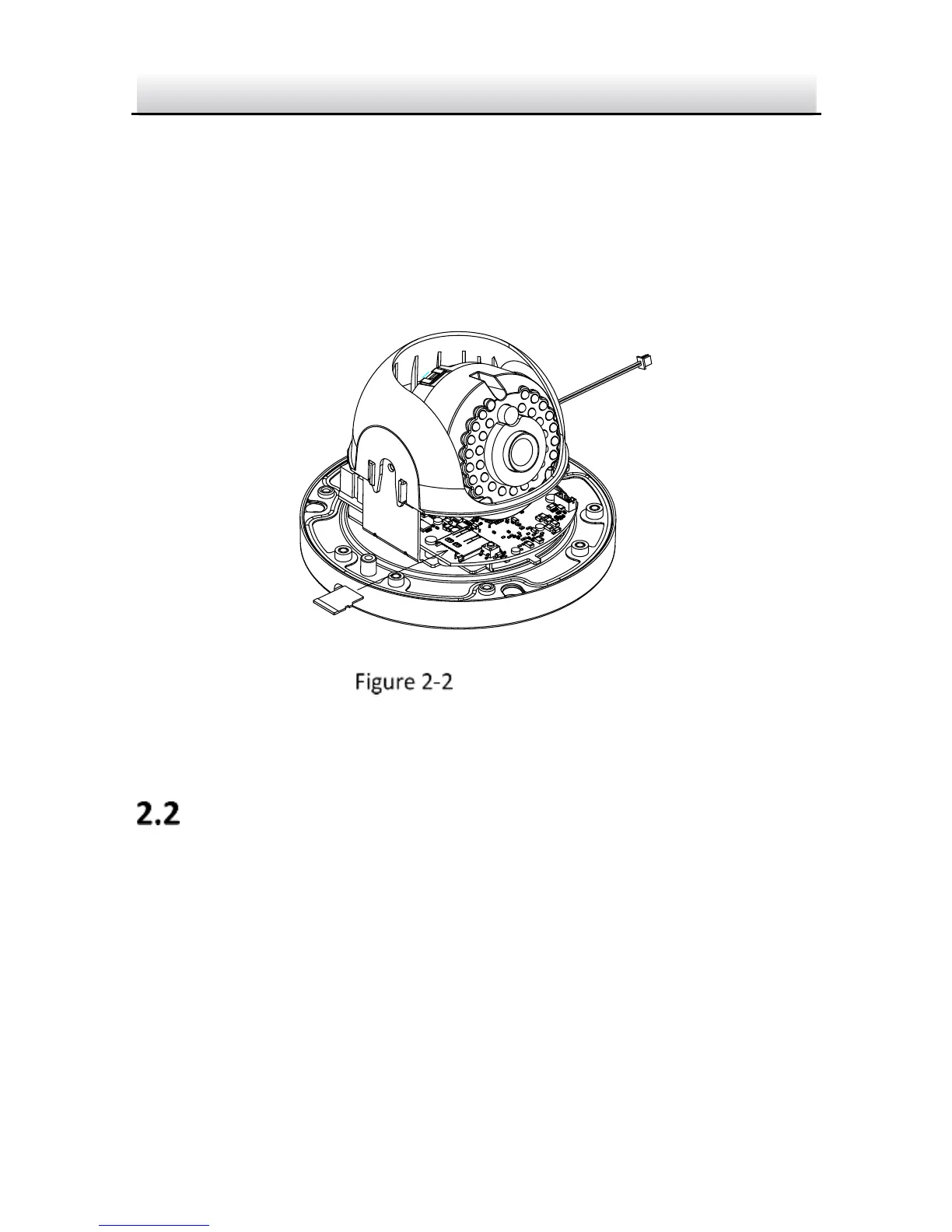
2. Find the memory card slot to insert the memory card.
Insert SD Card
3. (Optional) To unmount the memory card, push to get it ejected.
Ceiling Mounting
This camera series shares a similar structure, type III camera is used
for demonstration.
Steps:
1. Paste the drill template to desired mounting place.
2. Drill the screw holes on the ceiling according to the drill template.



 To Next Page