EasyManua.ls Logo

Advida A-17 - Page 19

Default Icon
44 pages
Print Icon
To Next Page IconTo Next Page
To Previous Page IconTo Previous Page
Loading...
Network Dome Camera·Quick Start Guide
18
18
1
1
1
A
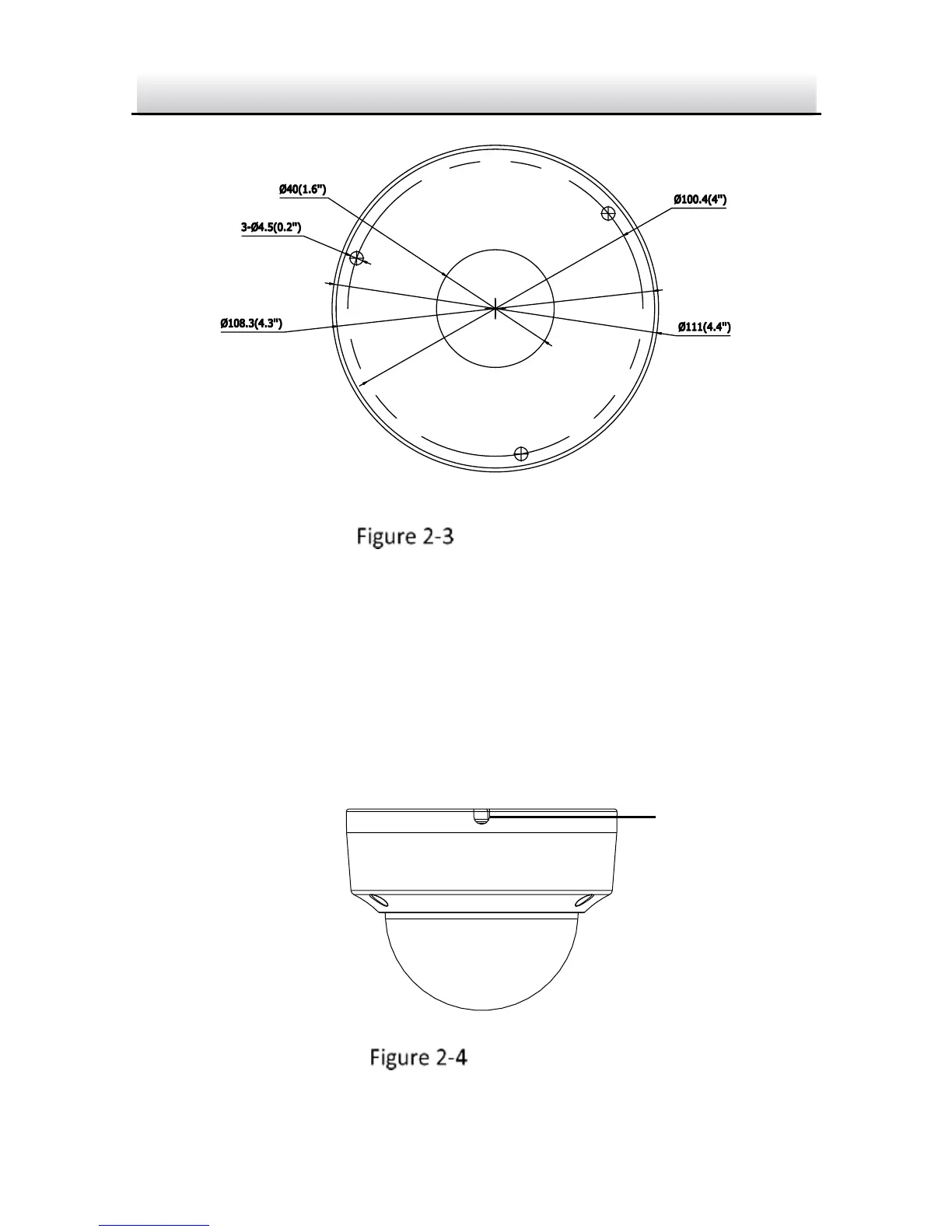
Drill Template
Hole A: for cables routed through the ceiling
Screw hole 1: for Mounting Base
Drill Template
Notes:
If you choose to route cable through the ceiling, cut a cable hole
according to Hole A on drill template.
You can also route cable from the side outlet.
If you install the camera in outdoor, install the water-proof jacket
to the network cable. See Section 2.4.
Side Outlet

Side Outlet