Activating the Camera
You are required to activate the camera first by setting a strong
password for it before you can use the camera.
Activation via Web Browser, and Activation via Advidia Camera Finder
Utility are both supported.
Activation via Web Browser
Steps:
1. Power on the camera. Connect the camera to your computer or
the switch/router which your computer connects to.
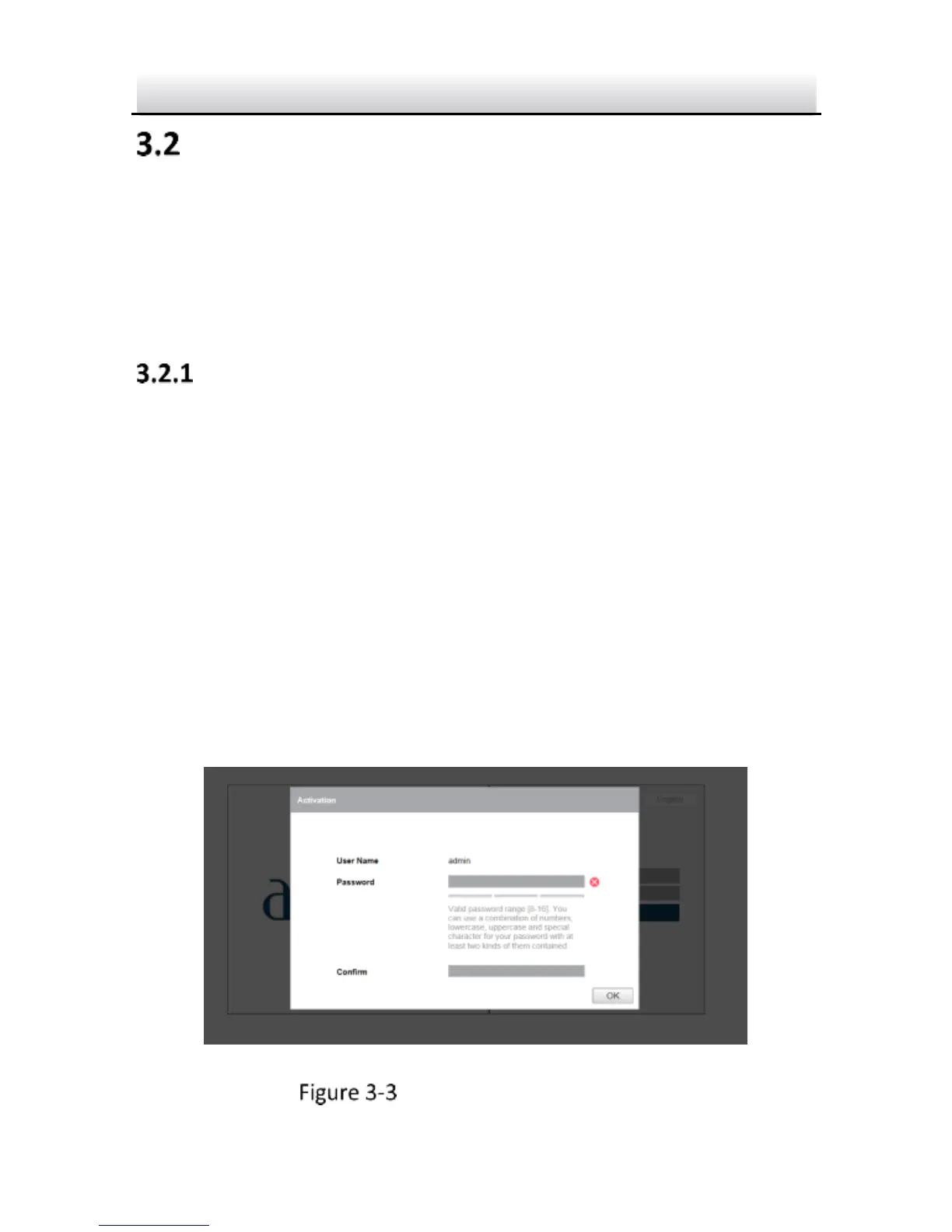
2. Input the IP address into the address bar of the web browser, and
press Enter to enter the activation interface.
Notes:
The default IP address of the camera is 192.0.0.64.
The computer and the camera should belong to the same
subnet.
Activation Interface(Web)



 To Next Page