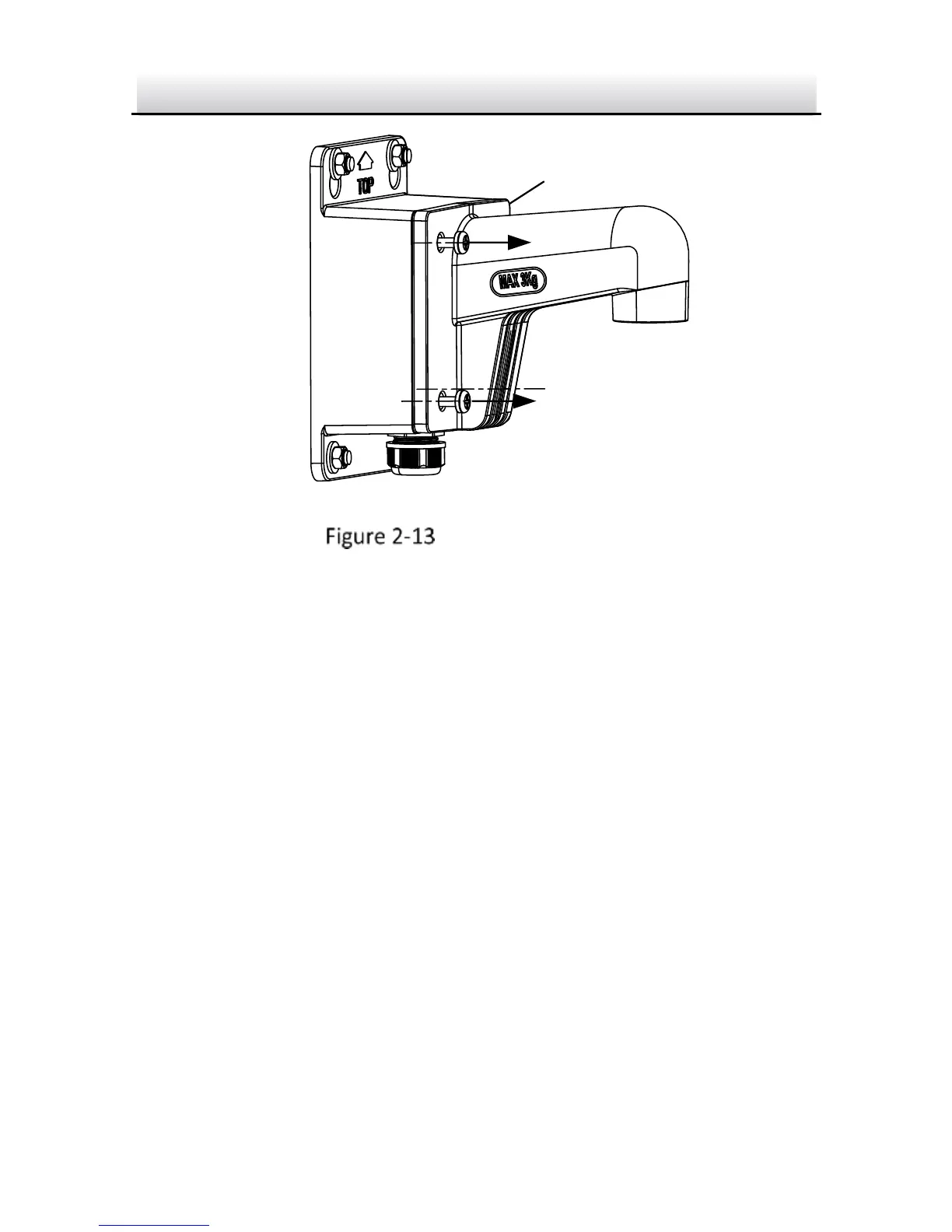
Unscrew the Cover
4. Route and connect the cables.
Source cables of network, power, etc., go in from the side outlet
of the junction box. Camera cables go in from the cap and the
bracket.
Note:
If you install the camera in outdoor, install the water-proof jacket
to the network cable. See Section 2.4
5. Screw the cover back.



 To Next Page