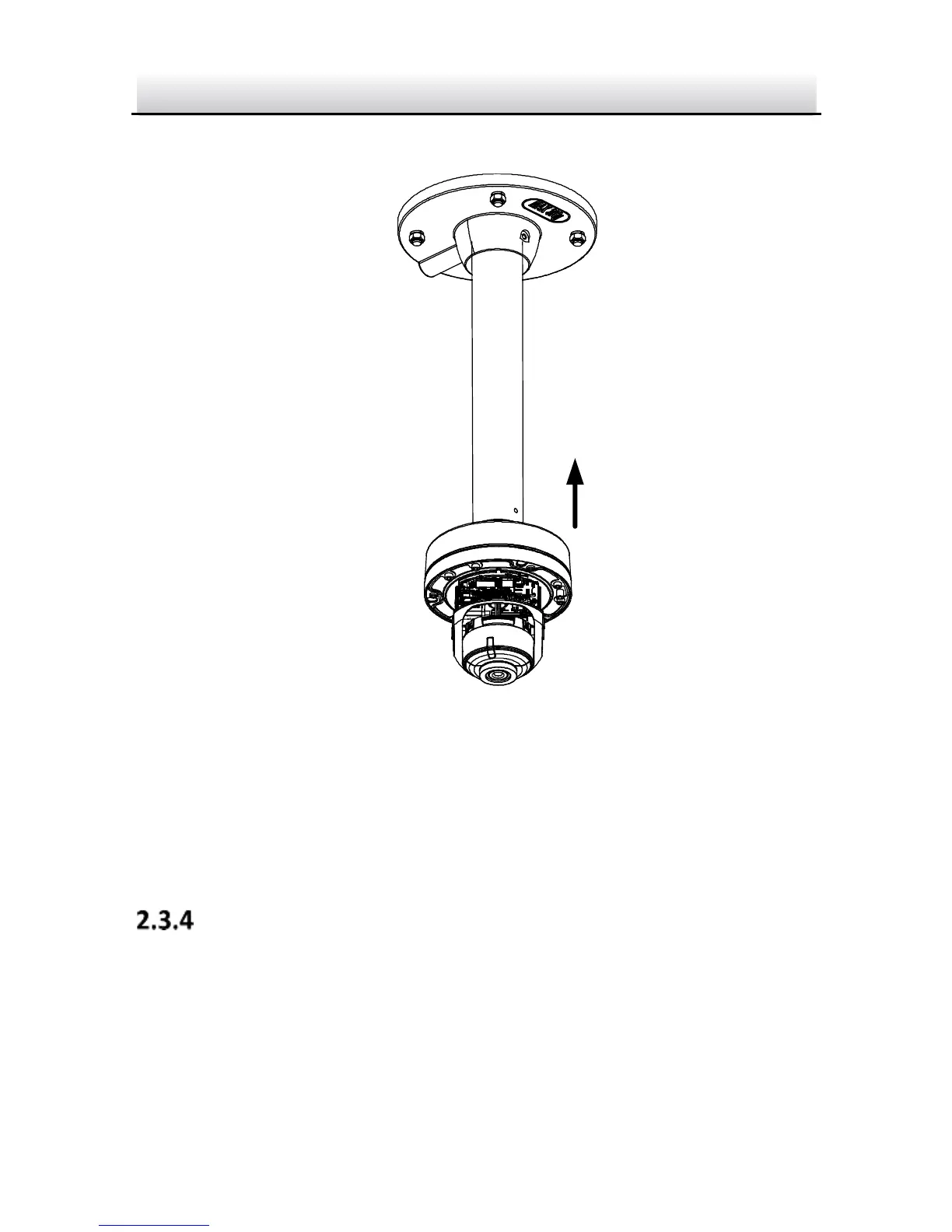
6. Screw the cap to the pendant mounting bracket.
Figure 2-19 Install the Cap
7. Adjust surveillance angle of camera. Refer to Step 4 in Section
2.2.
8. Install the bubble back to the camera.
Incline Mounting
The incline mounting bracket is not included in the package. You need
to prepare one, if you adopt this mounting type.
Steps:
1. Paste the drill template to desired mounting place.



 To Next Page