Network Bullet Camera·Quick Start Guide
Installation of Memory Card
Type II and Type III camera support memory card function. Follow
the steps to mount and unmount a memory card.
Steps:
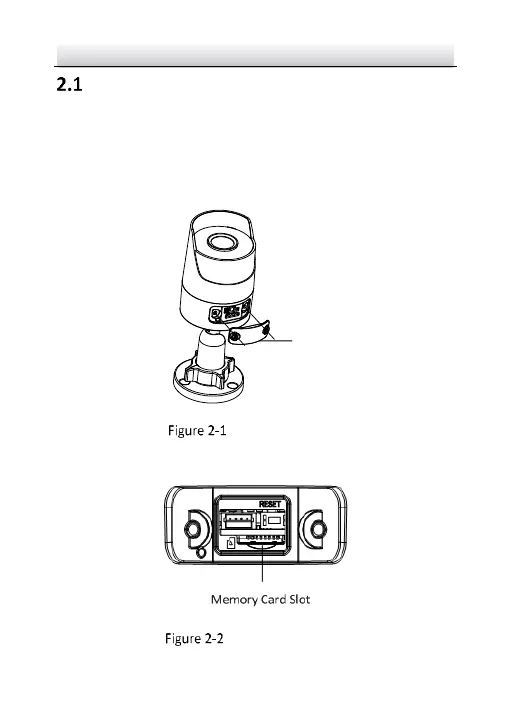
1. Unscrew the cover on back case to expose memory card slot.
Unscrew the Cover
2. Insert the memory card into the memory card slot.
Insert Memory Card



 To Next Page