Network Bullet Camera·Quick Start Guide
Secure the Camera to the Ceiling
4. Connect the cables and power on the camera to view live view
image.
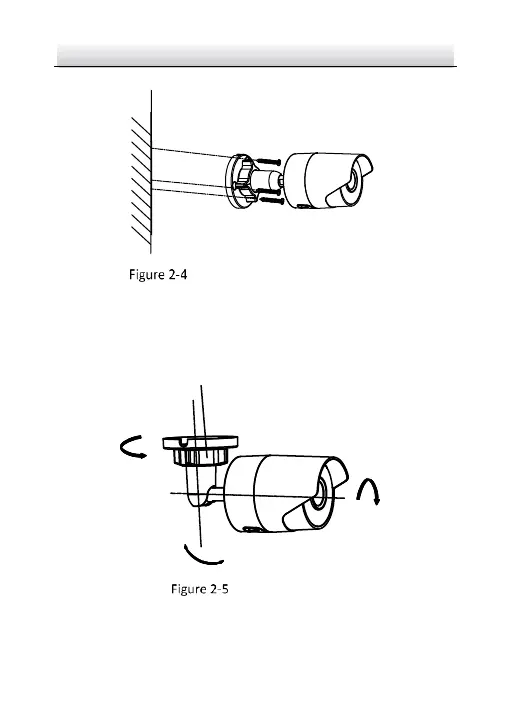
5. Adjust the surveillance angle.
Tilt: 0° to 90°
Adjusting Nut
Pan:
0° to 360°
Rotate:
0° to 360°
3-axis Adjustment
1). Loosen the adjusting nut.
2). Adjust the pan direction [0° to 360°].



 To Next Page