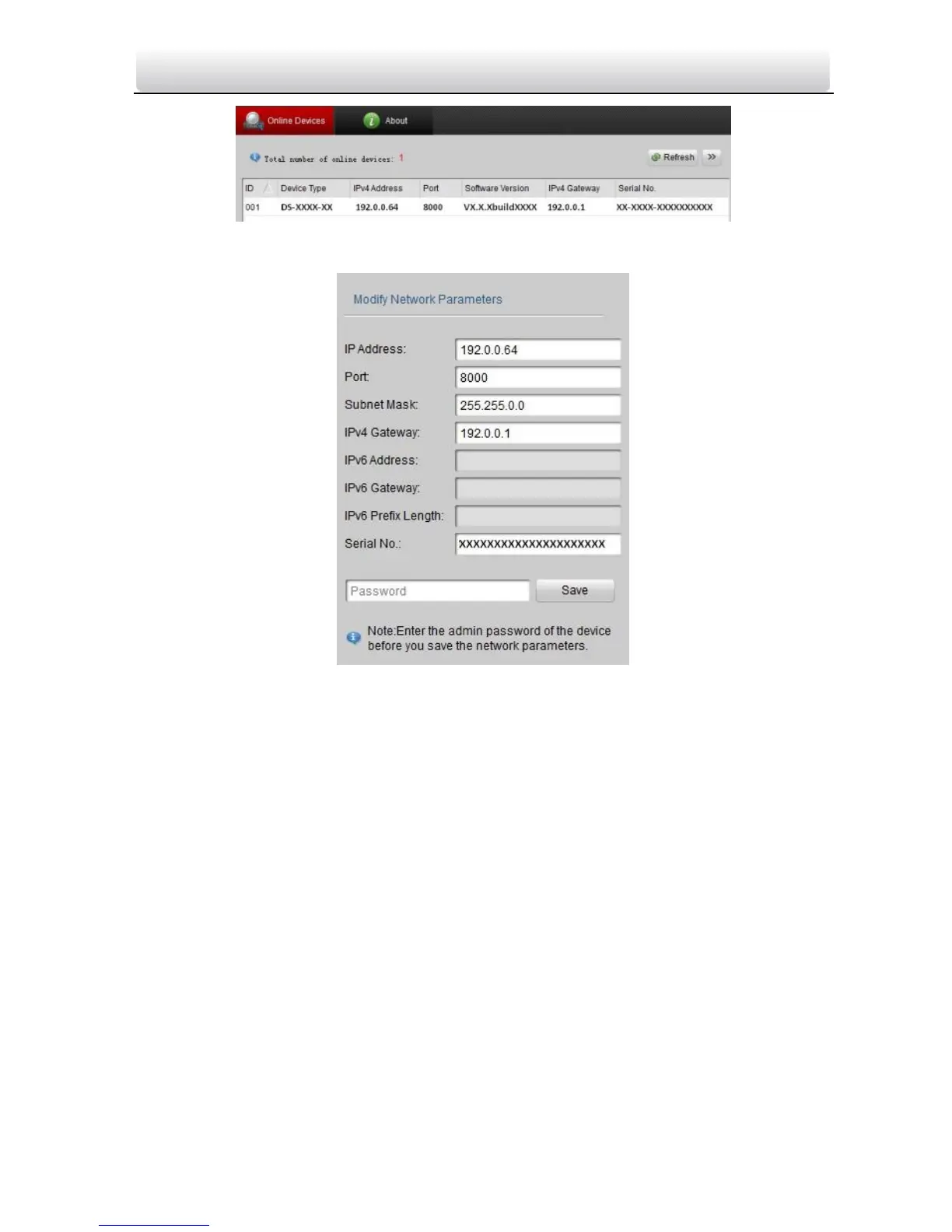
Figure 3-3 Select a Device
Figure 3-4 Modify Network Parameters
4. Enter the IP address of speed dome in the address field of the web browser to view
the live video.
Notes:
The default value of the IP address is 192.0.0.64. The default user name of
administrator is admin, and password is 12345.
For accessing the network speed dome from different subnets, please set the gateway
for the network speed dome after you log in.



 To Next Page