3 Setting the Dome over the LAN
To view and configure the speed dome via LAN (Local Area Network), you need to
connect the network speed dome in the same subnet with your PC. Then, install the
Advidia Camera Finder Utility to search and change the IP address of the camera.
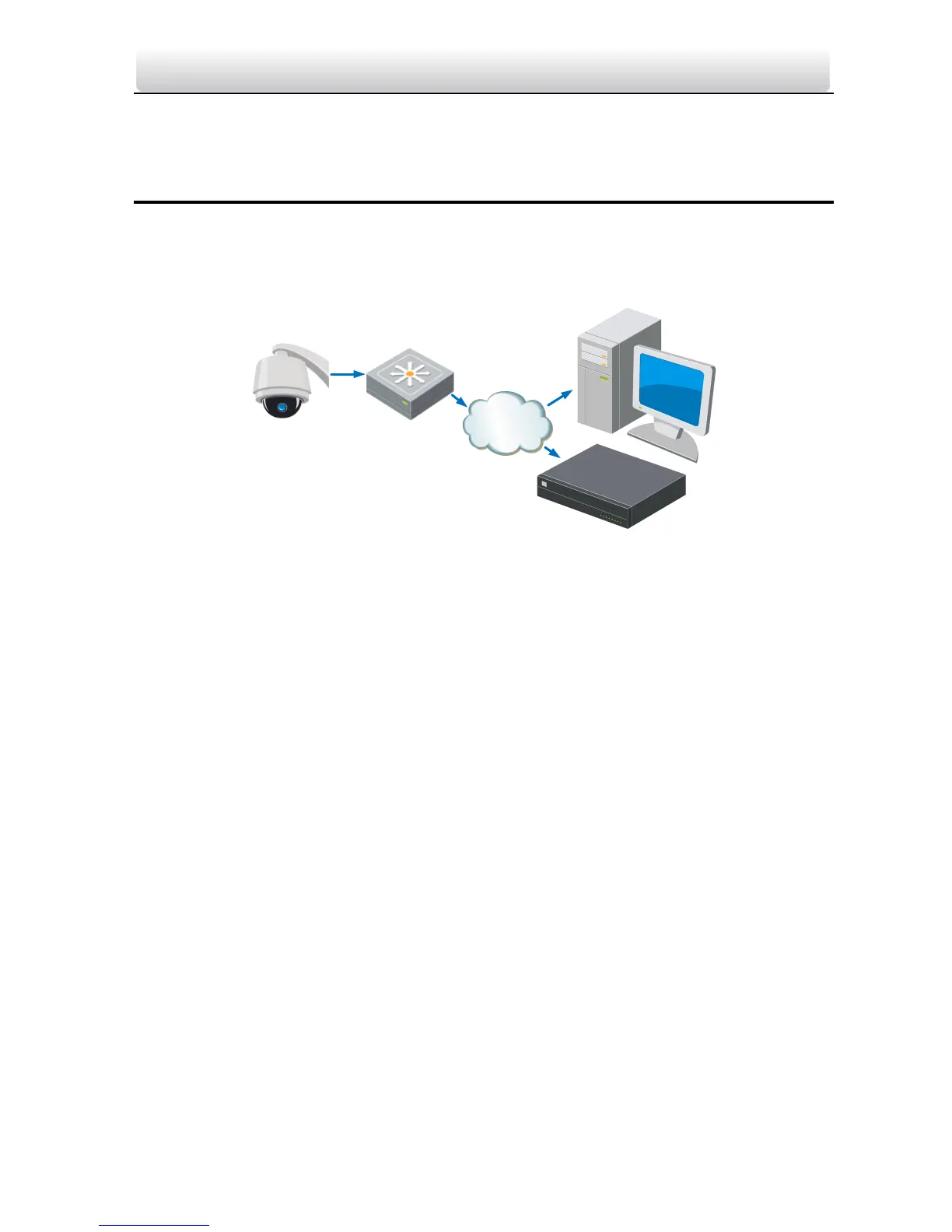
The following figure shows the cable connection of network speed dome.
Figure 3-1 Wiring over LAN
Set the IP address of the speed dome for accessing via LAN.
Steps:
1. To get the IP address, please use the following method:
Use the Advidia Camera Finder Utility, a software tool which can automatically
detect the online Advidia products on the LAN and lists the device’s information
including IP address, subnet mask, port number, device serial number, device
version, etc., shown in Error! Reference source not found..
2. Change the IP address and subnet mask to the same subnet as of your PC.
3. Enter the IP address of the network speed dome in the address field of the web
browser to view the live video.



 To Next Page