ST3 6-10kVA Service Manual Rev.1
Allis Electric Page 11 of total 13 September 2006
4. Final testing
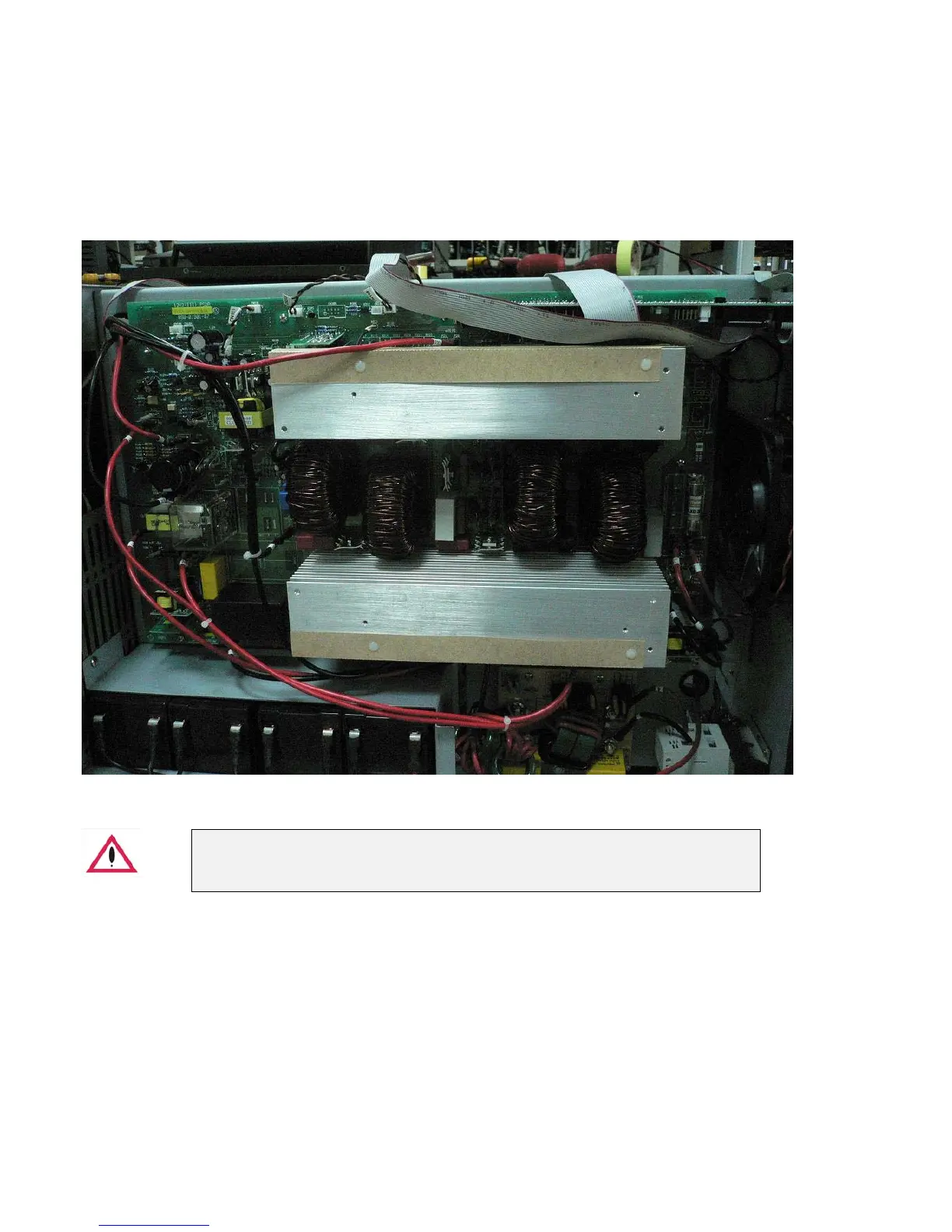
After you have replaced all defective components on power stage (PSDR), please follow the steps as below.
Step 1. Install the PSDR board into UPS unit, but DO NOT connect with “Battery” and “Input source”.
Step 2. Supply DC voltage (270Vdc/3 Amp (limited current) for 6/10kVA) with DC power supply via BAT(+) and BAT(-).
Press the switch on front panel for more than 3 seconds, you will see "current limit" for a short time on the DC power
supply for about only 2 seconds, then UPS should be DC start (If UPS does not start successfully, and LCD display off,
replace the above procedure). If UPS fails to start up for several times or DC power supply is on current-limit state
continuously, there must be some defective components exist. Please follow the section 3 trouble shooting to check again.
- Before go to step 2, make sure all of the cable should be connected the right position.
- Do not connect with AC power source yet.



 To Next Page