EasyManua.ls Logo

AEC IST3010 - User Manual

AEC IST3010
29 pages
Print Icon
To Next Page IconTo Next Page
Loading...
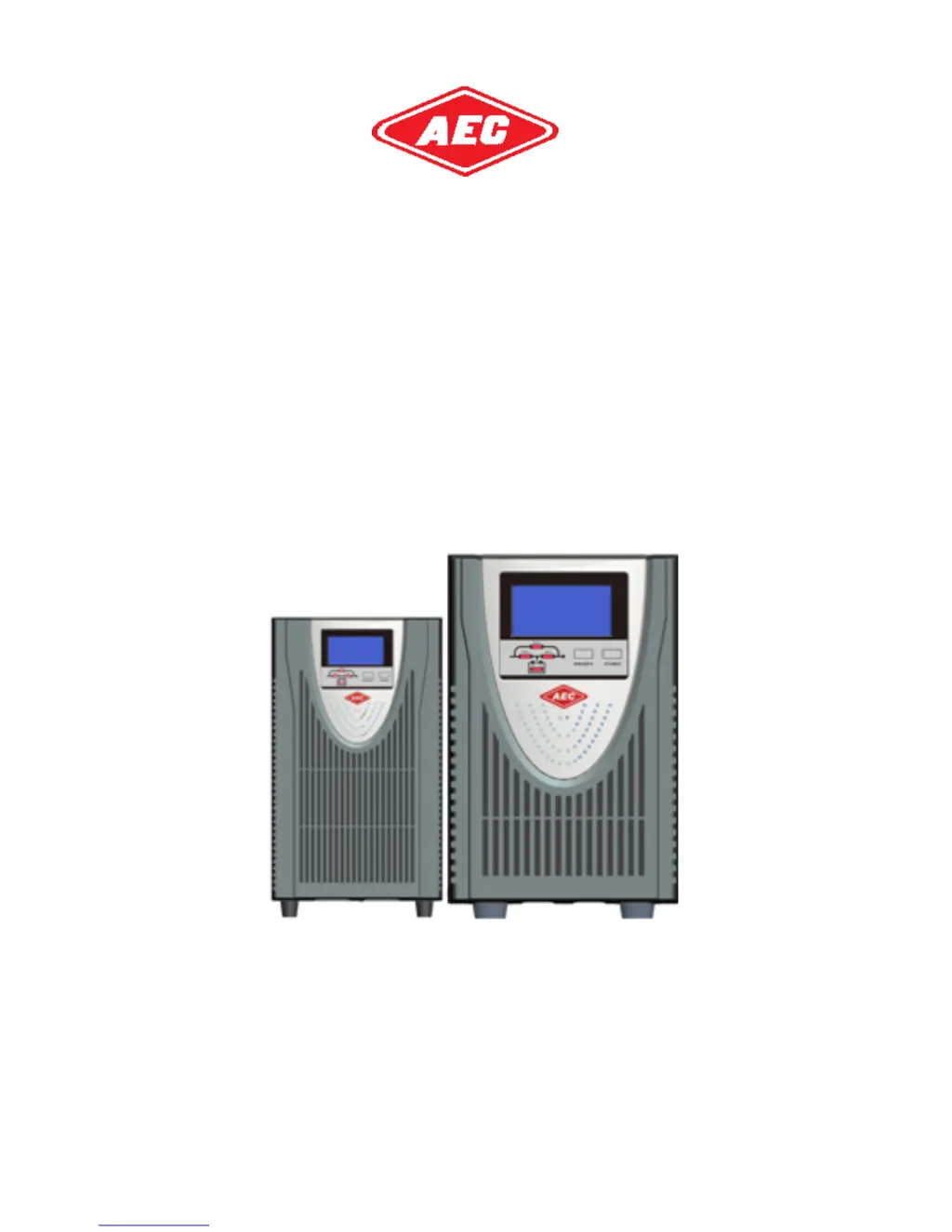
IST3 Series True on-line UPS
(1-3kVA)
User Manual

Questions and Answers

  • L
    Laura LopezAug 20, 2025
    How to fix AEC IST3010 battery not connected?
    • K
      Kimberly TurnerAug 20, 2025
      If you receive a warning that the battery is not connected or is weak, it may be due to the battery not being connected properly or the battery being weak. Check the battery connections to ensure they are secure. If the connections are good, replace the batteries.
  • L
    Lori DoyleAug 21, 2025
    What to do if AEC IST3010 inverter is overloaded?
    • M
      Mrs. Stacy Hunt DDSAug 22, 2025
      If the inverter is overloaded on your AEC UPS, it means the loads connected are exceeding the UPS's capacity. Remove some loads to ensure that the total load is under the capacity of the UPS.
  • T
    Thomas WilliamsAug 23, 2025
    What to do if AEC IST3010 UPS shows bypass overload?
    • S
      Shaun HernandezAug 25, 2025
      If your AEC UPS indicates a bypass overload, it means the load is on bypass and is exceeding the capacity. To resolve this, remove some loads to ensure that the total load is less than 95% of the rated capacity.
  • R
    Robin SheltonAug 26, 2025
    Why is my AEC IST3010 overheating?
    • F
      Frederick StantonAug 26, 2025
      If your AEC UPS is overheating, it could be due to the environment temperature being too high or blocked ventilation. Ensure that nothing is blocking the ventilation, and the environmental temperature must be between 0~40°C.
  • T
    torresvanessaAug 27, 2025
    Why is the AEC IST3010 UPS battery discharge time so short?
    • J
      jennifer85Aug 27, 2025
      A diminished battery discharge time on your AEC UPS can occur for several reasons: * The battery has not been fully charged: Charge the battery for more than 10 hours. * The UPS is overloaded: Check the loads and remove some devices. * The battery is aged.
  • J
    James MyersAug 29, 2025
    What to do if AEC IST3010 UPS bypass overload timeout occurs?
    • L
      lindashortAug 29, 2025
      If the AEC UPS experiences a bypass overload timeout, it means the load on bypass is exceeding capacity for too long, which will cause the UPS to shut down output and loads will lose power. Remove some loads and restart the UPS. When the UPS is working normally, turn on loads one by one.
  • G
    gary38Aug 31, 2025
    What does inverter overload timeout mean on AEC IST3010?
    • A
      amcgrathAug 31, 2025
      An inverter overload timeout on the AEC UPS means the load is exceeding the UPS's capacity for too long. To resolve this, remove some loads to under 95%. The UPS will then transfer to the inverter automatically.
  • B
    bennettkimberlySep 2, 2025
    What causes an abnormal input voltage on AEC IST3010 UPS?
    • G
      Gregory YorkSep 2, 2025
      An abnormal input voltage on your AEC UPS can be caused by: * Utility failure. * The input surge protector opening. If the utility is normal but the rectifier is not working, reset the input surge protector.
  • T
    Tiffany CollinsSep 5, 2025
    How to fix AEC UPS line neutral wires reversed error?
    • K
      Katherine RussoSep 5, 2025
      If you receive a warning about reversed line neutral wires or PE not grounded on your AEC UPS: * Check the polarity of the line wire and neutral wire. * Check if PE on input plug is shorted with UPS rear panel. If yes, please check PE wire in input power socket.
  • A
    Ashley NguyenSep 6, 2025
    Why does the AEC IST3010 transfer too many times?
    • D
      David FarleySep 7, 2025
      If the AEC UPS transfers between inverter and bypass too many times (over 5 in 1 hour), it will work in bypass mode. This can happen if the output is overloaded or some loads are shorted. Check if the output is overloaded or if some loads are shorted. Remove the failing loads and restart the UPS, or wait for the inverter to start automatically.

Summary

Important Safety Instructions

Electromagnetic Compatibility

Introduction

System Description

3.1 Transient Voltage Surge Suppression (TVSS) and EMI;FRI Filters

Components that provide surge protection and filter EMI/RFI for sensitive equipment.

3.2 Rectifier;Power Factor Correction (PFC) Circuit

Converts AC to DC for the inverter, improving input current waveform and efficiency.

3.3 Inverter

Converts DC to regulated AC power, providing clean sinewave output.

3.4 Battery Charger

Regulates utility power to continuously float charge the batteries.

System Description

3.5 DC-to-DC Converter

Raises DC voltage from the battery for the inverter, includes boost circuit for PFC.

3.6 Battery

Standard models use value-regulated, non-spillable, lead-acid batteries; operate within 15-25°C.

3.7 Dynamic Bypass

Provides alternate path for utility power during UPS malfunction or overload.

Product Specification and Performance

4.1 Model Description

Lists applicable UPS models, including standard and long backup time variants.

4.2 Product Specification and Performance

Details general specifications like power rating, input/output voltage, dimensions, and weight.

Product Specification and Performance

Electrical Performance

Details input and output electrical characteristics, including voltage, frequency, distortion, and overload capacity.

Operating Environment

Specifies temperature, humidity, altitude, and storage temperature ranges for optimal UPS operation.

Installation

5.1 Unpacking and Inspection

Guidance on unpacking the UPS and checking package contents for damage or missing parts.

5.2 Connect Input;Output Power

Instructions on connecting power cables, including notes on ventilation and cable connections.

Installation

5.3 Operating procedure for connecting the long backup time model UPS with the external battery

Procedure for connecting external batteries for extended backup time, noting voltage and capacity requirements.

Controls and Indicators

Description of Panel

Details the controls (ON/OFF, FUNC) and their functions on the UPS display panel.

Indicators

Describes the indicators on the UPS panel and their meanings.

Controls and Indicators

LCD Main Menu

Illustrates the UPS LCD main menu and its display sections like Input, Converter, and Output.

Controls and Indicators

Input Information

Details input voltage, frequency, and current displayed on the UPS.

Warn Information

Explains fault and warning codes, working modes, rated voltage/frequency, and mute status.

Battery Information

Provides battery voltage, capacity percentage, firmware version, and low battery warnings.

Load Information

Displays load percentage, active load in kW, apparent load in kVA, and protocol code.

Output Information

Shows output voltage, frequency, and current.

Operation

7.1 Operation Mode

Describes how to turn the UPS on/off in normal and battery modes, and how to turn off completely.

Battery Maintenance

Battery Disposal and Replacement Procedures

9.1 Battery Disposal

Safety precautions and steps for disposing of batteries, emphasizing hazards and proper methods.

9.2 Battery Replacement Procedures

Step-by-step guide for replacing UPS batteries, including safety precautions during the process.

Trouble Shooting

10.1 Checking UPS status

Recommended checks for UPS operation status, including fault indicators and operating modes.

10.2 Adjust the factors caused the problem

Troubleshooting guide for fault and warning codes, providing possible causes and solutions.

Trouble Shooting

Troubleshooting Codes

Lists various warning and fault codes, their possible causes, and recommended solutions for UPS issues.

Trouble Shooting

Troubleshooting Faults

Details specific fault conditions like inverter faults, overloads, battery issues, and charger problems with solutions.

Intelligent Slot

User wiring diagram of intelligent slot

Illustrates wiring diagrams for DB9 and Phoenix port intelligent slots.

Description of intelligent slot

Details the function of each pin in the intelligent slot for both DB9 and Phoenix ports.

EPO (Emergency Power Off)

Description of Input Port for Remote EPO

Explains the input port for remote EPO, including position, name, and purpose of connections.

Rated Parameters Setting

Voltage setting

Procedure to set the UPS rated voltage via the front panel controls.

Frequency setting

Procedure to set the UPS rated frequency via the front panel controls.

Mode setting

Procedure to set the UPS operating mode (normal or ECO) via the front panel.

Rated Parameters Setting

Protocol setting (UPS ID)

Procedure to set the UPS ID number (protocol setting) via the front panel.

Protocol setting (Protocol type)

Procedure to set the UPS communication protocol type (Modbus, SNT) via the front panel.

Rated Parameters Setting

Save and Exit Setting

Instructions on how to save current settings and exit the parameter setting mode.

AEC IST3010 Specifications

General IconGeneral
TopologyLine Interactive
Input Frequency50/60Hz ± 5%
Typical Recharge Time4-6 hours
ProtectionOverload, Overcharge
Outlets6 x IEC C13
Communication InterfaceUSB
Audible AlarmBattery Mode, Low Battery, Overload, Fault

Related product manuals