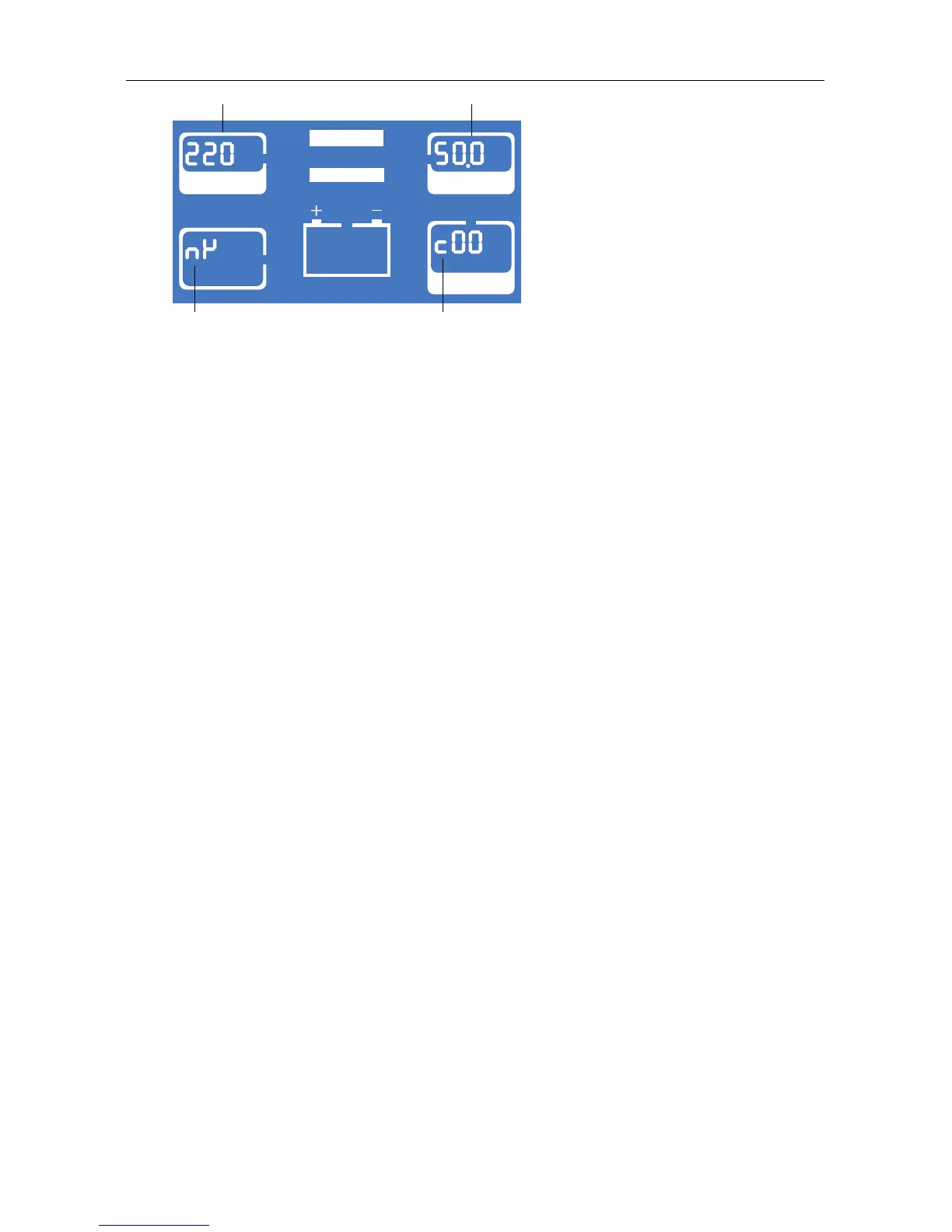
Rated Parameters Setting
True Online 1-3k UPS User Manual
25
VAC
INPUT
OUTPUT
LOAD
MODE
CONVERTER
BYPASS
Hz
Current voltage Current frequency
Current mode
Current protocol
9) Press ON/OFF to save current setting and exit. If want to change, press FUNC and repeat
the procedures above.
10) If you want to exit from setting mode and give up saving, press ON/OFF and FUNC
together for 2.5 seconds when in setting mode.
11) Restart and check if the setting is right.



 To Previous Page