Rated Parameters Setting
24 True Online 1-3k UPS User Manual
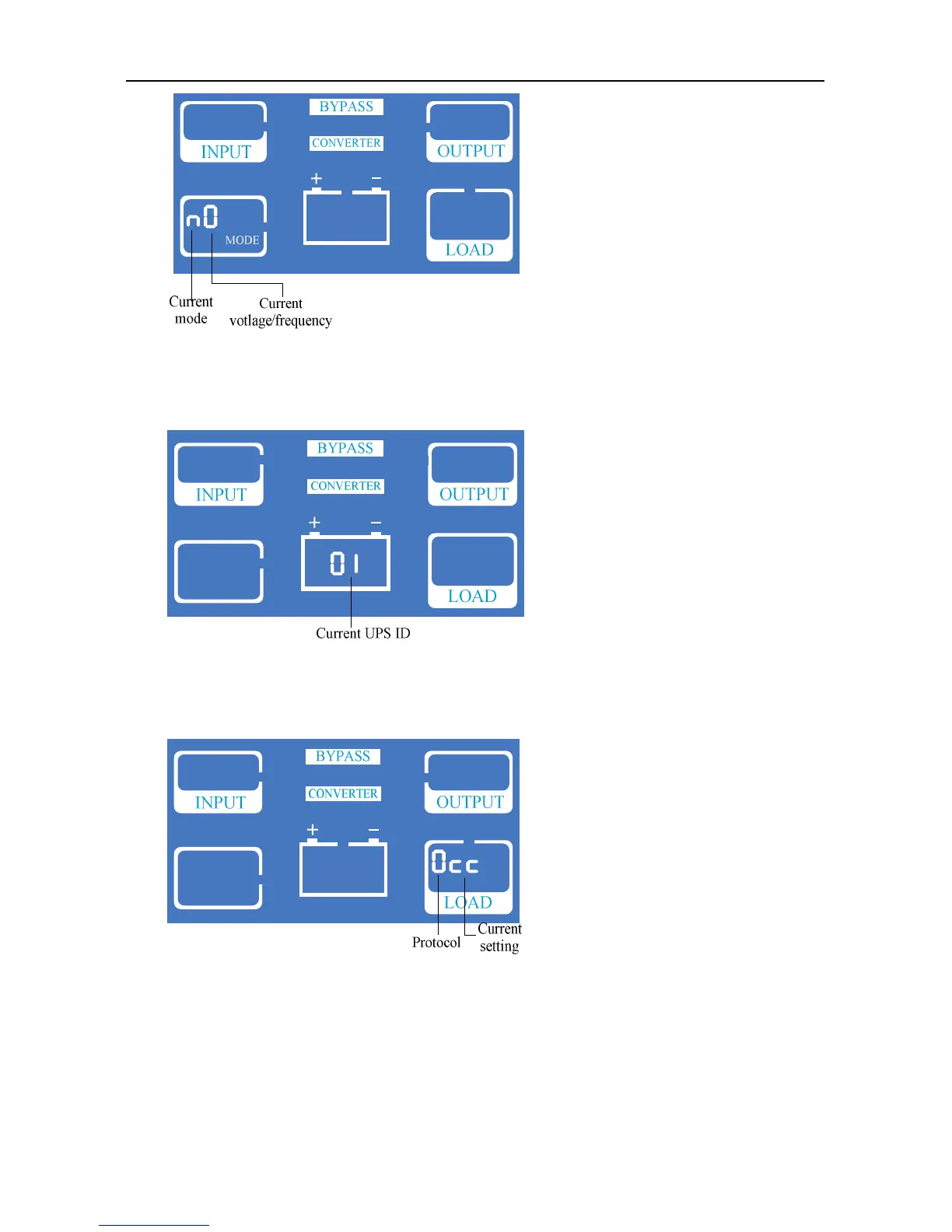
6) Protocol setting: press ON/OFF to choose mode and enter in protocol setting. Codes are
shown in LOAD, press FUNC to change protocol.
The ID number of the UPS is displayed as 01-09, default 01.
7) Protocol setting: press ON/OFF to choose mode and enter in protocol setting. Codes are
shown in LOAD, press FUNC to change protocol. First code: 0-Modbus, 1-SNT,
“CC”-current protocol.
8) Press ON/OFF to choose protocol and display current setting.



 To Next Page