Startup
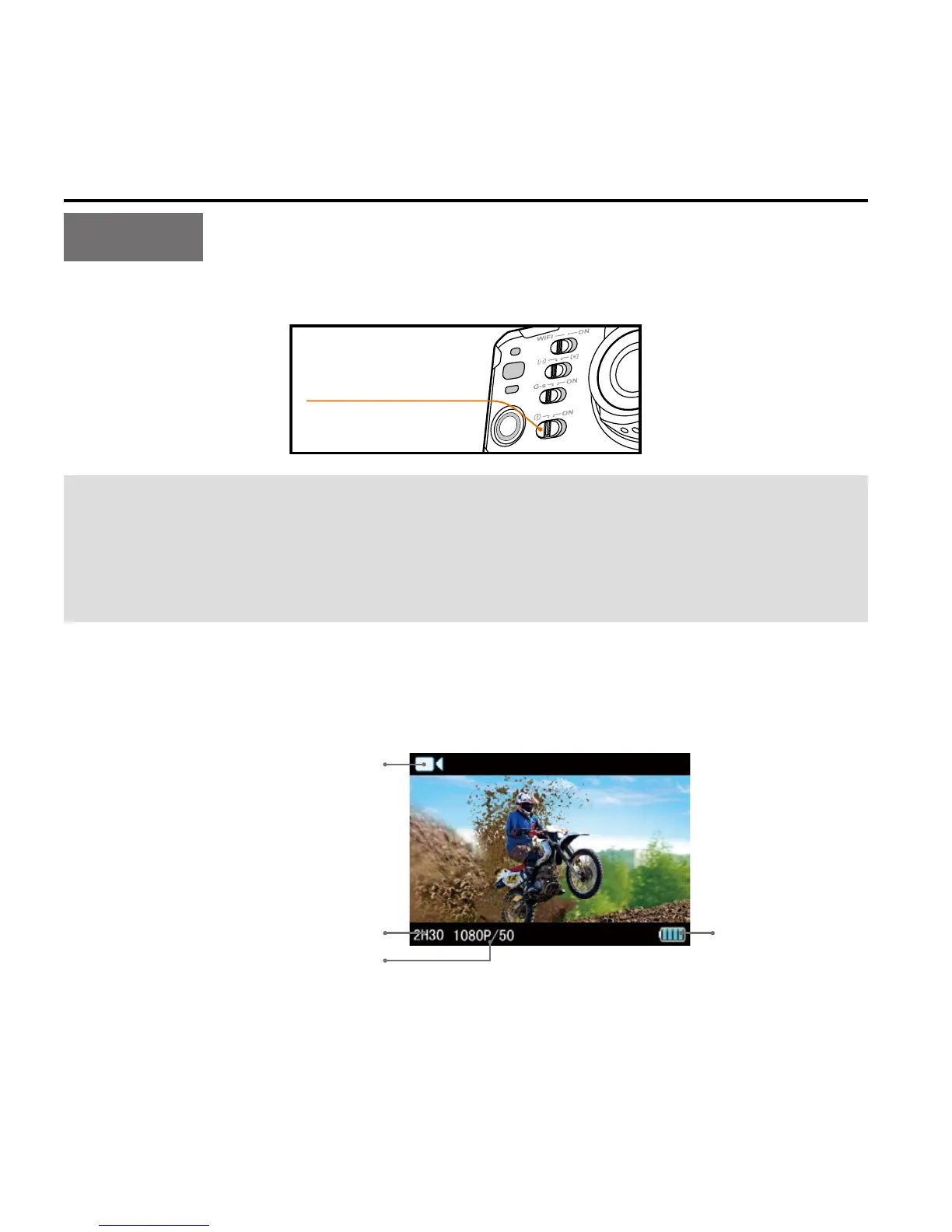
Turn the power key to "ON" to turn on S71:
Power key
After installing S71 into the waterproof case, you can long press the
Shoot key and Wi-Fi key simultaneously for 5s to turn it on. Similarly,
you can long press the Shoot key and Wi-Fi key simultaneously for
5s again to turn off S71.
• 2 red indicators will be lit up;
• S71 enters recording standby mode. Now TFT display is shown as
below:



 To Next Page