File protection and Unlocking
1. Under le playback or thumbnail preview mode, move the cursor
to the le icon you want to protection;
2. Press "M" button to enter le operation mode and move the cursor
to "le protection";
3. Press "OK" button to conrm;
4. Select protection type and press "OK" to conrm:
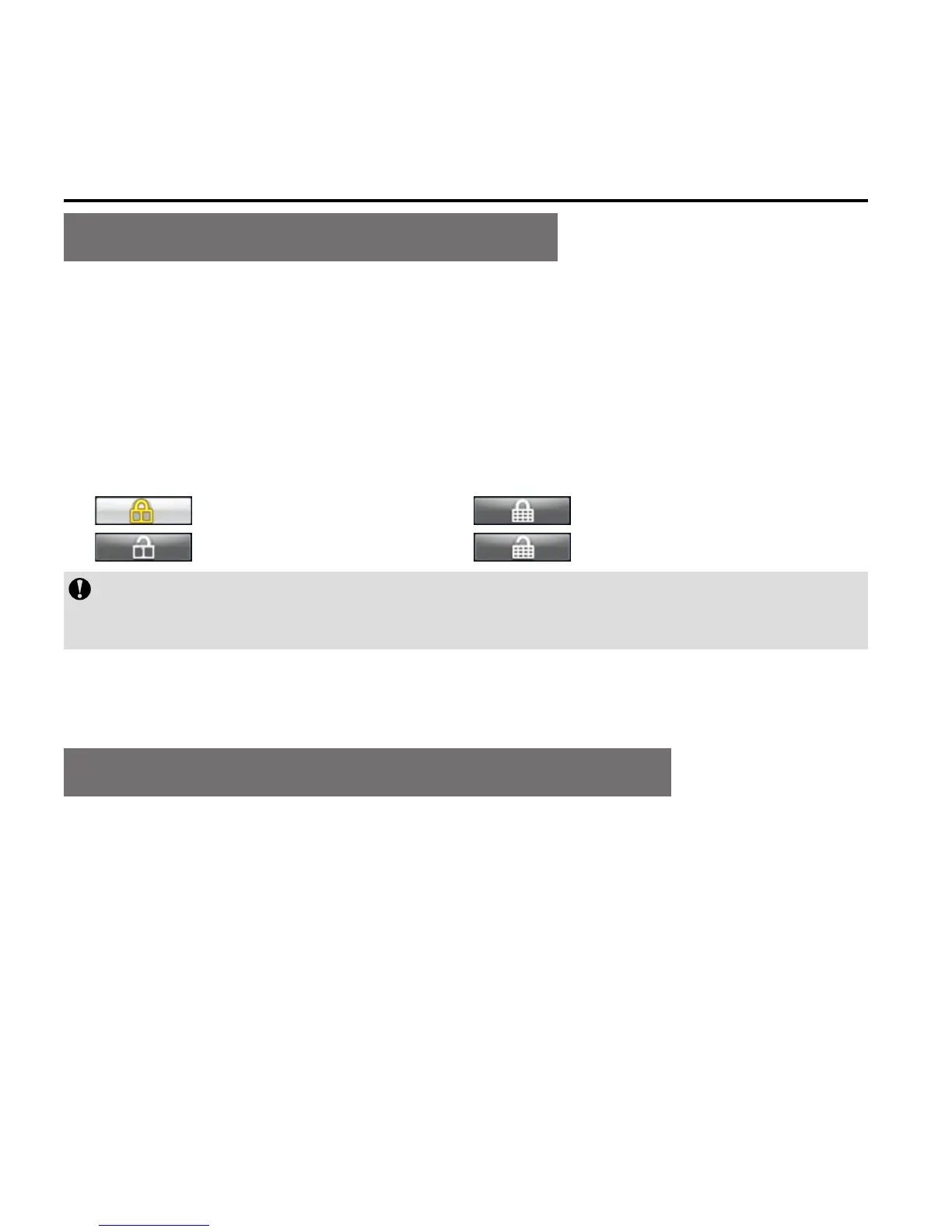
: Protect single : Protect all
: Unlock single : Unlock all
The protected les cannot be deleted. However, such les can be
deleted by formatting.
Upload audio/video/photo les to PC
1. Use USB data cable to connect the camera to a PC;
2. Switch on S71;
3. Click the "My Computer" icon on the desktop and find the
"Removable Disc". If the camera is not detected, close "My
Computer" window and reopen it after a while. The "removable
disc" will be displayed;



 To Next Page