• Execution mode
Select the execution mode you want, Press "OK" button to conrm,
Press "M" button again to exit the setting menu.
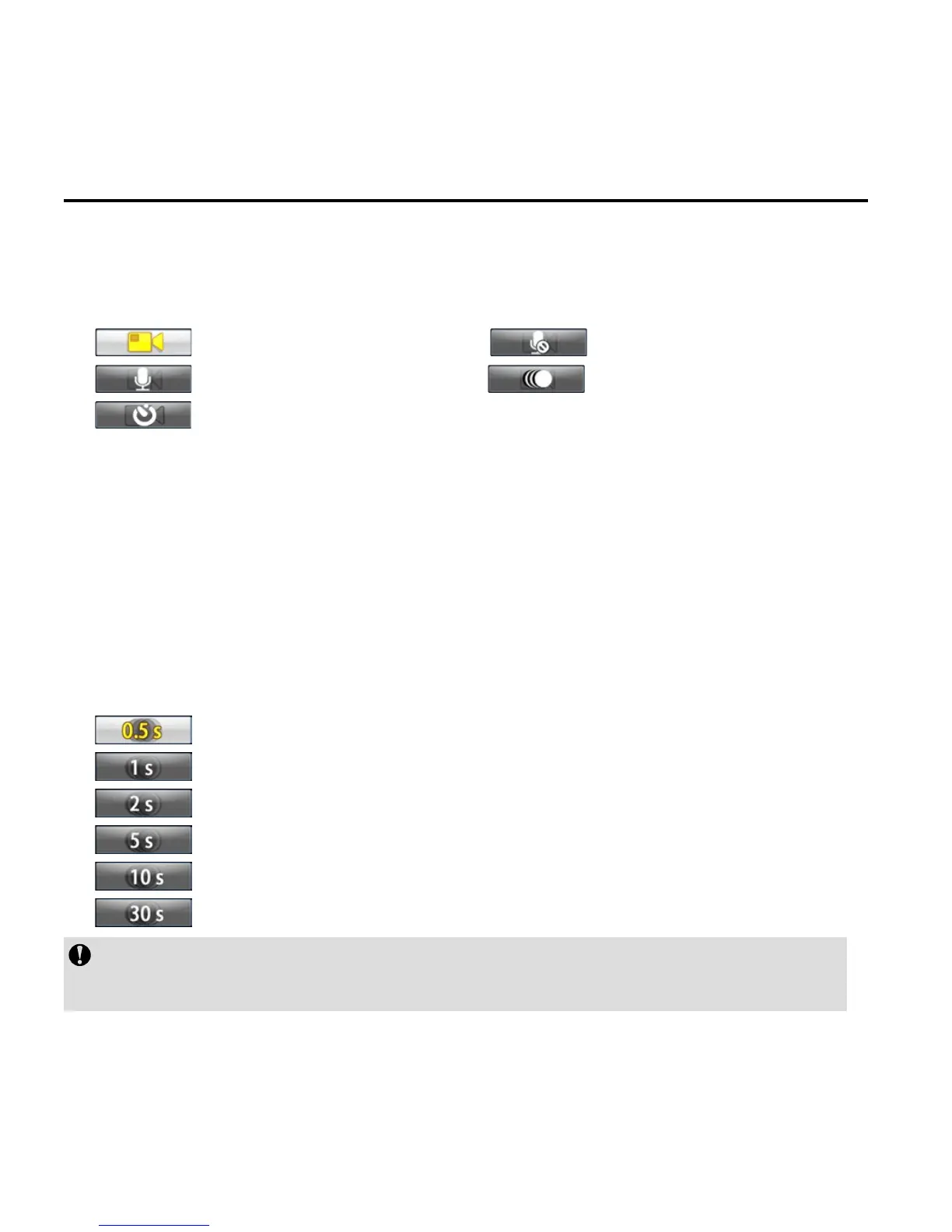
: Video recording mode : Video-only mode
: Voice recording mode : Time Lapse mode
: Auto video mode
• Video-only mode
In this mode, you can record a video without voice.
• Time Lapse mode
Time Lapse function can record one picture as a frame of the
video according to the time interval you set. It doesn’t need the
post editing, and can easily make the continous evolution and
movement.
: Record a picture as a frame of the video every 0.5s.
: Record a picture as a frame of the video every 1s.
: Record a picture as a frame of the video every 2s.
: Record a picture as a frame of the video every 5s.
: Record a picture as a frame of the video every 10s.
: Record a picture as a frame of the video every 30s.
The function is unavailable in 4K Cinema, 4K, 2.7K Cinema, 2.7K
and 720P modes.



 To Next Page