• Wi-Fi Starting and Connection
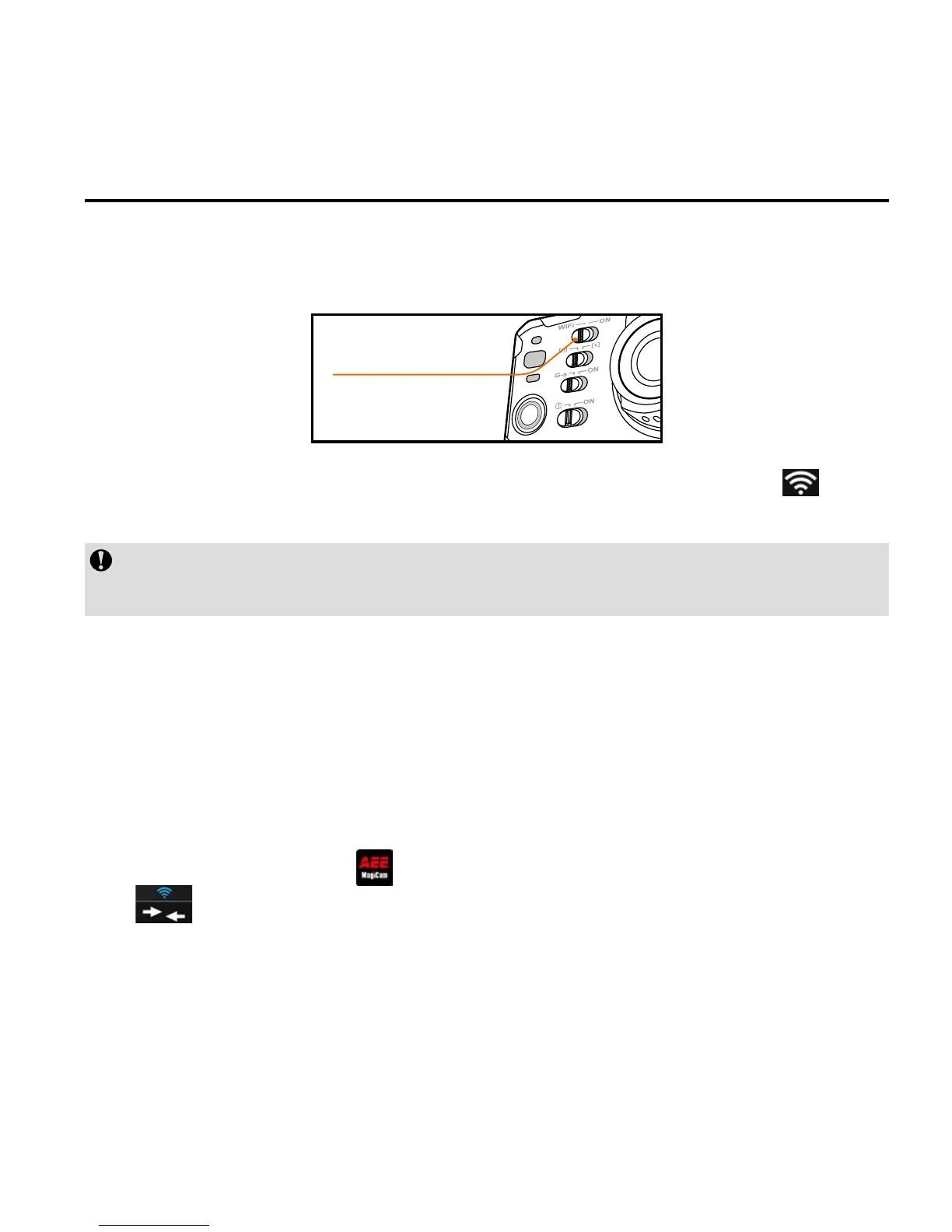
1. Push Wi-Fi key to "ON" to switch on Wi-Fi function:
Wi-Fi key
The blue indicator starts to ash and Wi-Fi signal icon " " can
be seen on the upper left corner of TFT display.
Do not perform any key operation when waiting the Wi-Fi function
to be enabled or disabled.
2. Turn on your camera,wait until the blue Wi-Fi indicator flashes
slowly. Search for Wi-Fi hot spot on a mobile receiving
device,select "AEE Magicam" network and connect it (default
password: AEE12345). Then the camera and the mobile device
are connected.
3. Click the App icon "
" on the mobile device to display the icon
(
) shown in Fig. 1. Enter the interface shown in Fig. 2 to
remotely view your camera’s screen and set up parameters.



 To Next Page